

You’ve hit your search limit
Start your free trial to keep exploring full traffic and performance insights.
Get Started16 Mayısiçin XD Transfer: Photos and Files uygulama analizi

XD Transfer: Photos and Files
- Yevgen Plokhoi
- Apple App Store
- BOŞTA
- Üretkenlik
What people think of XD Transfer
"Very easy to send from/ to : PC, iPhone, iPad . Simple and nice. Love it", Alezer PO
"it's definitely the best app in its category.", Incineration
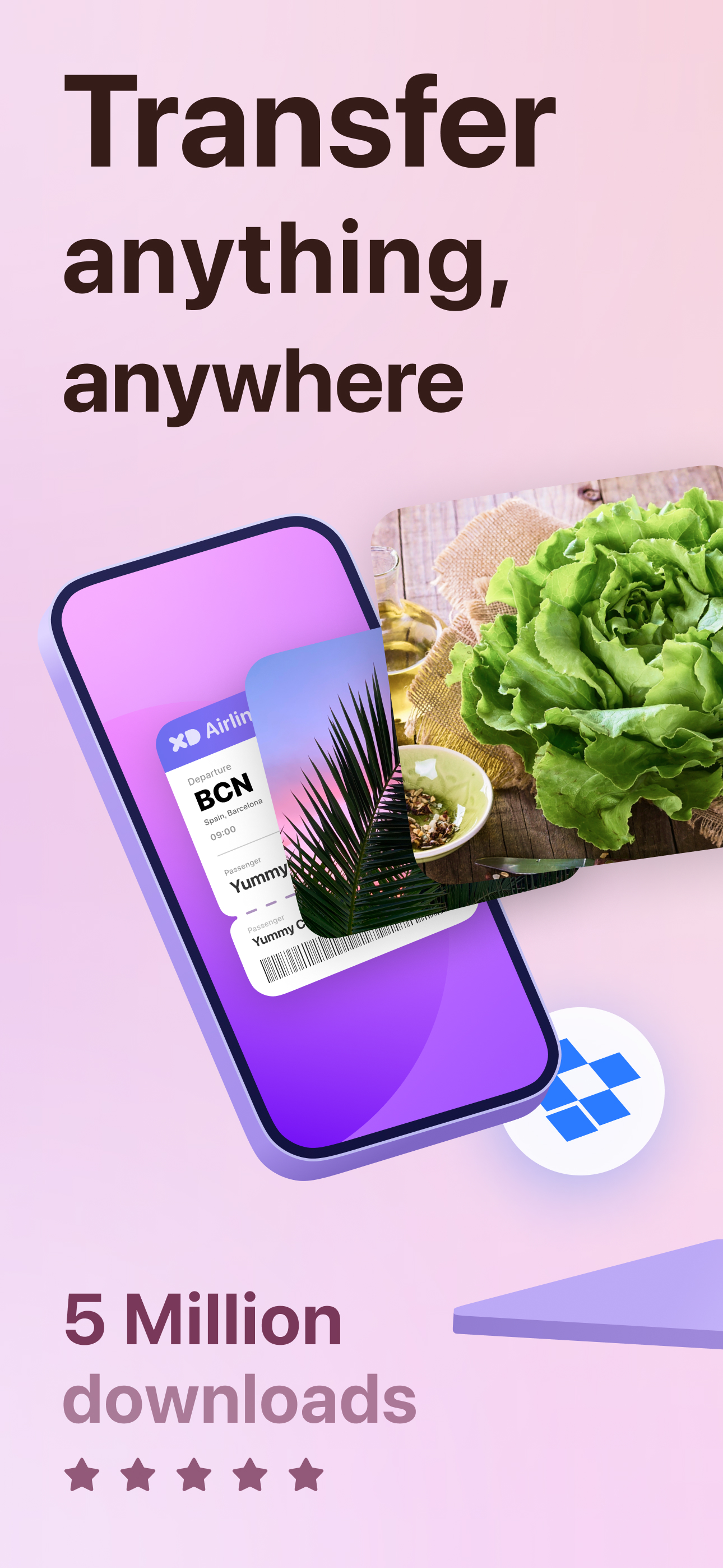
XD Transfer: The easiest way to share your photos, videos and files!
Over 5 million people have downloaded XD Transfer. It's the perfect tool for quickly and easily sharing your photos and videos between your devices, no matter where you are or what devices you are using.
Key features:
- Wirelessly transfer photos and videos between any device: iPhone, iPad, Mac, or PC. No cables needed, just a reliable Wi-Fi connection!
- Back up your photos and videos: Keep your memories safe and sound. XD Transfer can back up your photos and videos to your preferred cloud storage service or local device so you never have to worry about losing them.
- Transfer photos and videos in full resolution: Don't lose any quality. Share your photos and videos in their original, full resolution glory so your friends and family can enjoy them just as you do.
- Drag and drop photos and videos: Easy to use, even for beginners. The intuitive interface makes it a breeze to select the photos and videos you want to share and transfer them with just a few taps.
- Preview photos and videos before transferring: Make sure you're sharing the right files. XD Transfer allows you to preview your photos and videos before you transfer them so you can avoid any embarrassing mistakes.
- Automatically convert HEIC files to JPG: So you can view them on any device. XD Transfer automatically converts HEIC files (Apple's high-efficiency image format) to JPG so you can view them on any device, regardless of whether it supports HEIC.
Get started:
Download XD Transfer on all of your devices. It's available for free on the App Store.
Connect your devices to the same Wi-Fi network. Make sure your devices are connected to a stable and reliable Wi-Fi network.
Open XD Transfer and start sharing! Follow the on-screen instructions to select the photos and videos you want to share and the device you want to share them with.
Unlock even more features with XD Transfer Pro:
Transfer unlimited photos and videos at a time: No more limits on how many photos and videos you can share at once.
Priority customer support: Get help whenever you need it with priority customer support.
Download XD Transfer today and start sharing your memories!
Privacy Policy: https://www.xdteam.io/our-products/xd-transfer/xd-transfer-pp
Terms of Service: https://www.xdteam.io/our-products/xd-transfer/xd-transfer-tos
Subscription:
Unlimited Access with 3 weeks free trial, then $1.99 weekly
Unlimited Access for $50 yearly
Unlimited Access for $4.99 per month
Full version of the Photo Transfer with 3 days free trial, then $19.99 per year
Mağaza Sıralaması
Mağaza Sıralaması, Google ve Apple tarafından belirlenen birden fazla parametreye dayanmaktadır.
Tüm kategoriler içinde
Amerika Birleşik Devletleri--
Üretkenlik içinde
Amerika Birleşik Devletleri--
En İyi Rakipler & Alternatif Uygulamalar
Aynı mağazadan, aynı kullanıcılar tarafından kullanılma olasılığı yüksek olan uygulamalar.
File Transfer App

Copy data - device switch

WiFi+Transfer

File Transfer-save videos pic
 XD Transfer: Photos and Files VS.
 Mayıs 16, 2026