

Analyse de l'application InRepost: Repost for Social pour le 17 mai

InRepost: Repost for Social
- Son Hoai Tran
- App Store Apple
- Gratuit
- Utilitaires
You are a business or influencer or just want to keep special posts for yourself. This app has everything you need to take your workflow to the next level!
InsRepost lets you stand out in the easiest way. With many unique and chic designs to express your thoughts and life moments into elegant stories. Just select some photos, make them special with templates, text, background, and stickers and it's done. Share your stories and taste on Instagram, Facebook, or Twitter with the world.
Besides, InsRepost is the best app for you, making the fastest way to repost photos, videos, and multiple media in a few steps. Say goodbye to taking screenshots of photos or writing content to repost things. Let's create your posts with your unique style!
InsRepost got collections trend #hashtag helping you get most hashtags used right away. No more time wasted thinking or searching and finding it.
And the last one, all your reposts will be saved in History, you can find them anytime you want and use them whenever you need them.
InsRepost is perfect for businesses, influencers, meme pages, and users who are serious about their accounts.
Features:
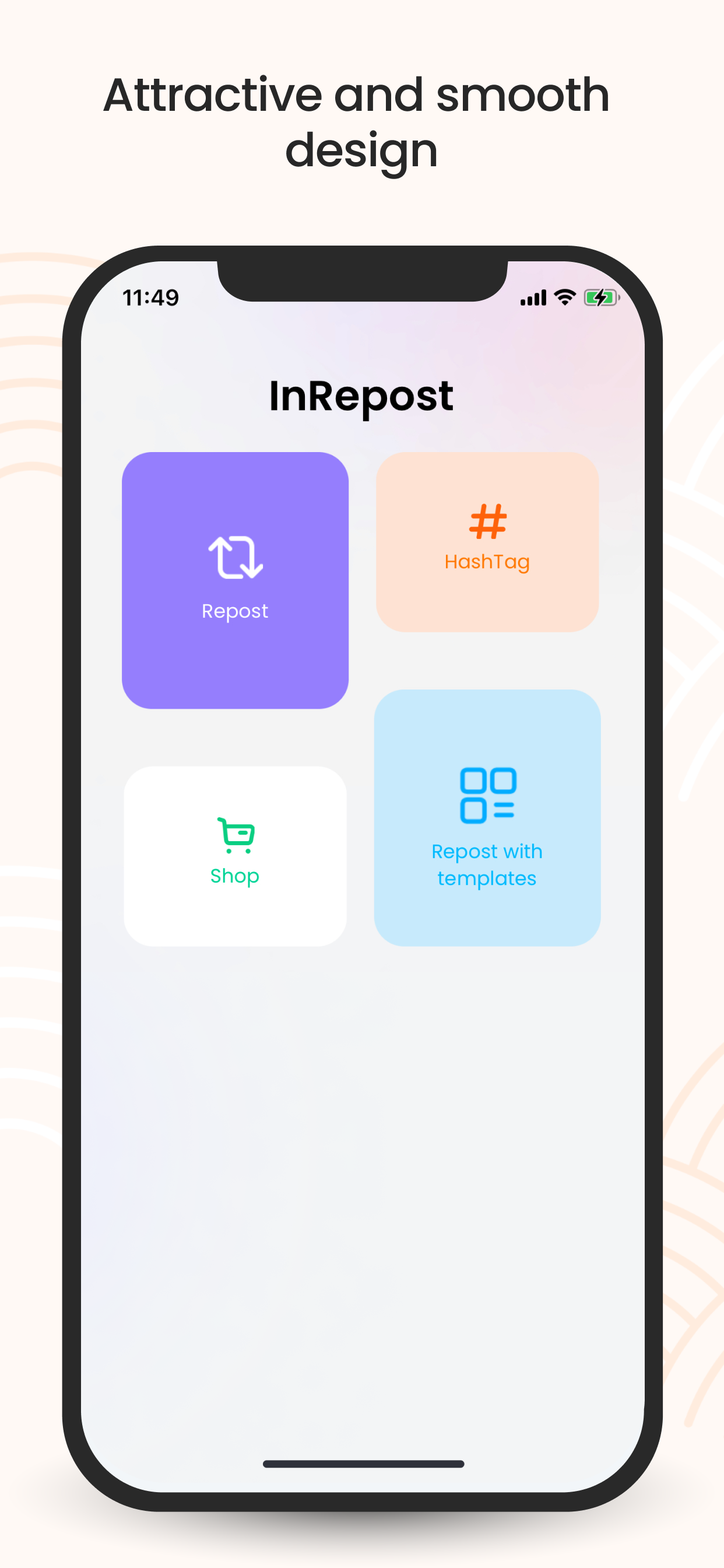
- Attractive and smooth design.
- Easily to make stories with templates.
- Simple action to the repost posts with multiple social media.
- Repost any posts with photos and videos.
- No watermark, just a few ads positioned.
- Easily to share and delete.
- Support for posts, stories, reels, IGTV, and posts with multiple media.
Privacy Policy:
https://zinila.com/policy.html
Contact-Us:
https://zilni.com/Contact-us.html
HOW TO USE TEMPLATES:
1. Open repost with templates.
2. Find the template your want to design.
3. Add photos, stickers, text, and background. Then it has been done!
4. Share with the world on any social media.
------
HOW TO USE REPOST:
1. Open Instagram
2. Find the photos and videos you want to repost.
3. Tap ••• (Three dots) button in the top right corner and select "Copy Link"
4. Turn back InRepost, choose function repost, click paste and check then wait for a second, the post will show up automatically!
5. Let's make reposting easy and quick with your creative style! Enjoy it!
------
We are the best Repost app, so DOWNLOAD NOW!
Classement dans le store
Le classement des stores est basé sur plusieurs paramètres définis par Google et Apple.
Toutes les catégories dans
États-Unis--
Utilitaires dans
États-Unis--
Principaux concurrents & apps alternatives
Applications ayant une forte probabilité d'être utilisées par les mêmes utilisateurs, à partir du même store.

Repost Instant #Repost

VDFR - Videos Stories

Repost for Social: AI Tags

Repost Tools for Social
 InRepost: Repost for Social VS.
 mai 17, 2026