

You’ve hit your search limit
Start your free trial to keep exploring full traffic and performance insights.
Get StartedAnalyse de l'application Image Converter : PDF Photos pour le 16 mai

Image Converter : PDF Photos
- Bijal Patel
- App Store Apple
- Gratuit
- Productivité
The Ultimate Image Converter — Convert Photos to PDF Instantly
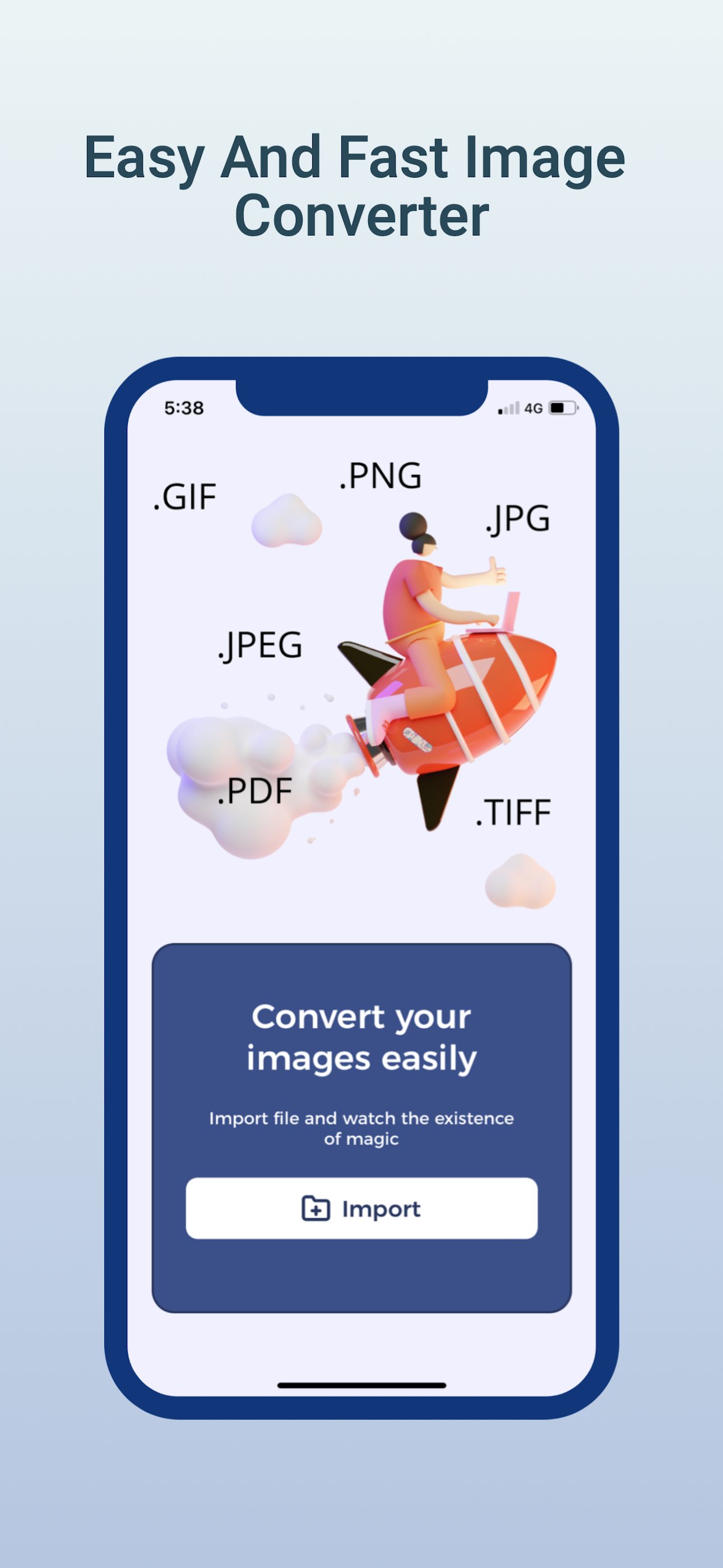
Say goodbye to “Unsupported File” errors. Image Converter is a fast and reliable photo and document conversion app for iPhone and iPad. Convert a single JPG to PDF or batch process HEIC files to PNG in just a few taps.
Important Pricing Disclosure
Image Converter includes both free and paid features.
Free version includes core conversion tools with limits.
Pro subscription (In-App Purchase required) unlocks unlimited and premium features.
Some formats and advanced tools require Pro access.
Trusted by students, professionals, designers, and everyday users who need a dependable converter on the go.
The Complete Image & Document Converter
Avoid unreliable web converters. Image Converter helps you convert files directly on your device with a simple workflow and high-quality output.
Import from Camera Roll, Files app, iCloud Drive, Dropbox, Google Drive, or directly from a URL. Export and share in seconds.
25+ Supported Formats — All in One App
PDF, SVG, JPEG, GIF, JPG, PNG, BMP, TIFF, PSD, WEBP, HEIC, EPS, PS, EXR, TGA, WBMP, ODD, TIF, CUR, XBM, OTB, AVS, BMP, and more.
Batch Conversion — Save Time
Select multiple images and convert them in one flow. Import from Gallery, Files, iCloud, or cloud storage, then export to your preferred destination.
Powerful Tools Inside
Photo to PDF Scanner — Scan receipts, contracts, notes, and documents
HEIC to JPG Converter — Improve compatibility for sharing
WebP & SVG Converter — Useful for creators and developers
Files App & Share Sheet Integration — Optimized for iOS
High-Quality Output — Clean results ready to share
Built for Every Type of User
Students — Share notes and PDFs quickly
Professionals — Manage documents on the go
Designers — Export assets in multiple formats
Developers — Convert image assets faster
Everyday Users — Convert and share with ease
Share Anywhere, Instantly
Export via Email, AirDrop, iCloud Drive, or any app using iOS Share Sheet.
Why Users Choose Image Converter
Simple and fast workflow
No account required to start
Clean export experience
Flexible import and share options
How It Works — 3 Simple Steps
Select images from Gallery, Files, iCloud, or URL
Choose output format
Tap Convert and share instantly
Pro Subscription
Unlock unlimited batch conversions, premium formats, and faster processing with Pro.
Subscription auto-renews unless cancelled at least 24 hours before renewal.
Manage anytime in Apple ID Settings.
Terms of Use: https://tracewavetransparency.com/privacy/terms-condition
Privacy Policy: https://tracewavetransparency.com/privacy/privacy-policy
Classement dans le store
Le classement des stores est basé sur plusieurs paramètres définis par Google et Apple.
Toutes les catégories dans
États-Unis--
Productivité dans
États-Unis--
Principaux concurrents & apps alternatives
Applications ayant une forte probabilité d'être utilisées par les mêmes utilisateurs, à partir du même store.

AI Assistant Ask & Chat

Transcribe Now - AI Note Taker

Sign Documents - eSign PDF

Passport Photo: ID Maker & Aid
 Image Converter : PDF Photos VS.
 mai 16, 2026