

You’ve hit your search limit
Start your free trial to keep exploring full traffic and performance insights.
Get StartedAnálisis de la app PDF Compressor: Scan & Edit para 15 de mayo

PDF Compressor: Scan & Edit
- Rahul Alagiya
- App Store de Apple
- Gratis
- Servicios públicos
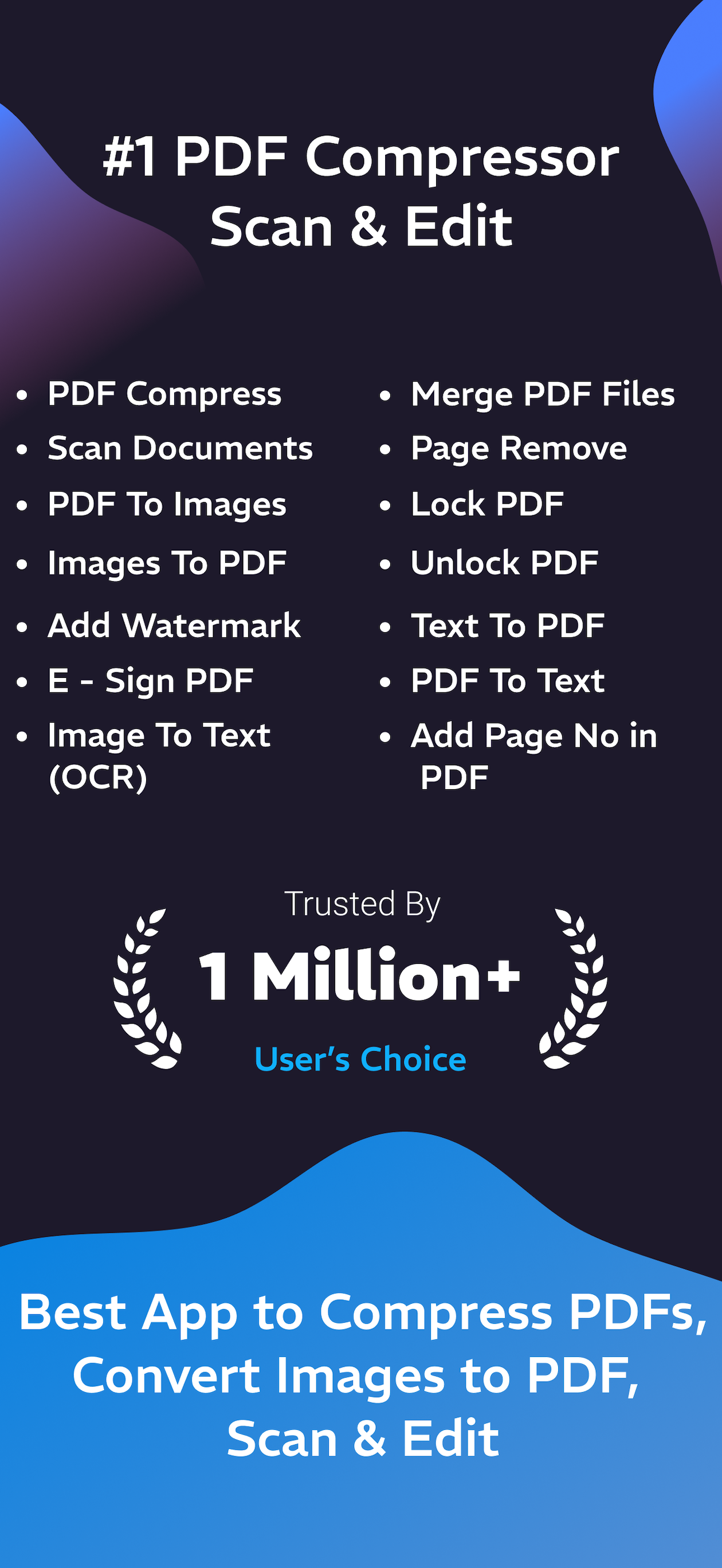
PDF Compressor: Scan & Edit is the easiest way to compress PDF files and reduce PDF size without losing quality. This powerful PDF Compressor helps you shrink large PDF files, optimize documents, and share them instantly. You can also scan documents to PDF, merge PDF files, edit PDF pages, and sign PDF documents in seconds.
Compress PDF files, merge multiple PDFs, scan documents, and sign contracts — all in one powerful PDF editor.
Reduce file size without losing quality. Combine PDF files instantly. Convert, edit, and secure documents in seconds.
Compress your PDFs, save disk space, and speed up uploads and downloads or sharing without losing quality with PDF Compressor: Scan & Edit.
Compress, scan, and edit PDF files instantly — all offline!
PDF Compressor: Scan & Edit is the fastest, easiest, and most powerful PDF tool for help you. Reduce file size, convert images to PDFs, extract text with OCR, add watermarks, sign documents, and more — all with just a few taps.
Features:
- Compress PDF file
- Save Compress PDF file
- Share Compress PDF file
- Scan Document to PDF file
- Protect PDFs with Watermarks
- Apply an E-Signature to PDF Files
- Images To PDF
- Merge Multiple PDF Files
- Image To Text
- PDF To Images
- PDF Page Remove
- PDF Lock
- PDF Unlock
- PDF To Text
- Text To PDF
- Add Page Number
• Images to PDF Converter
Quickly combine your images into a single, high-quality PDF.
• Smart Photo to PDF
Convert images to PDFs with advanced tools like rotation, filters, and more.
• PDF Compression
Reduce PDF size with adjustable quality (High, Medium, Low) for faster sharing and storage savings.
• Text Recognition (OCR)
Extract text from images or scanned PDFs into editable, searchable content.
• Add Watermark
Insert custom text watermarks with control over font, size, and color.
• Add eSign
Sign PDFs electronically—draw or type your signature and place it anywhere.
• Merge Multiple PDFs – Combine Files in Seconds
Easily merge multiple PDF files into one single document with just a few taps. Whether it’s invoices, notes, scanned documents, or reports — combine everything into one organized PDF instantly.
• Extract Images from PDFs
Easily pull all images from any PDF file.
• Lock & Unlock PDFs
Add or remove passwords to secure your PDF files.
• PDF Page Remover
Delete selected pages and save a clean, new PDF.
• Text to PDF
Convert your written content into a polished PDF document.
• PDF to Image/Text
Export PDFs as high-quality images or editable text.
• Add Page Numbers
Number your PDF pages for easy navigation and a professional look.
• Bonus Photo Editing Tools
- Crop, rotate, resize, and adjust images
- Add filters, blur, and text overlays
- Draw, write, and add stickers
• Why Choose PDF Compressor: Scan & Edit?
- All-in-one PDF toolkit for scanning, compressing, and editing
- Works completely offline — no internet required
- Perfect for students, professionals, and anyone managing PDFs
• Perfect For
- Students compressing notes or assignments
- Professionals sharing contracts or scanned docs
- Anyone looking to save storage and manage documents efficiently
- PDF Compressor
- Compress PDF
- Reduce PDF Size
Subscription Info
PDF Compressor: Scan & Edit offers an auto-renewing weekly, monthly and one time purchase subscription. Payment will be charged to your iTunes Account on confirmation of purchase. Your subscription will automatically renew unless auto-renew is turned off at least 24 hours prior to the end of the current period. You may manage your subscriptions and turn off auto-renewal in your iTunes Account Settings after purchase. Any unused portion of free trail period, if offered, will be forfeited when you purchase a subscription, where applicable.
Privacy Policy: https://sites.google.com/view/developer-info/privacy-policy
Terms of use: https://sites.google.com/view/developer-info/terms-of-use
Download PDF Compressor: Scan & Edit today and simplify your PDF workflow!
Clasificación de tiendas
El Store Rank se basa en múltiples parámetros establecidos por Google y Apple.
Todas las categorías en
Estados Unidos--
Servicios públicos en
Estados Unidos--
Principales competidores & aplicaciones alternativas
Aplicaciones con una alta probabilidad de ser utilizadas por los mismos usuarios, desde la misma tienda.

Compress PDF : Reduce PDF Size

PDFOptim

PDF Compress - Reduce PDF Size

Compress PDF reduce pdf size
 PDF Compressor: Scan & Edit VS.
 mayo 15, 2026