

5月31日的The Book of Life - Grow应用程序分析

The Book of Life - Grow
- 国材 苏
- Apple 应用商店
- 免费
- 公共事业
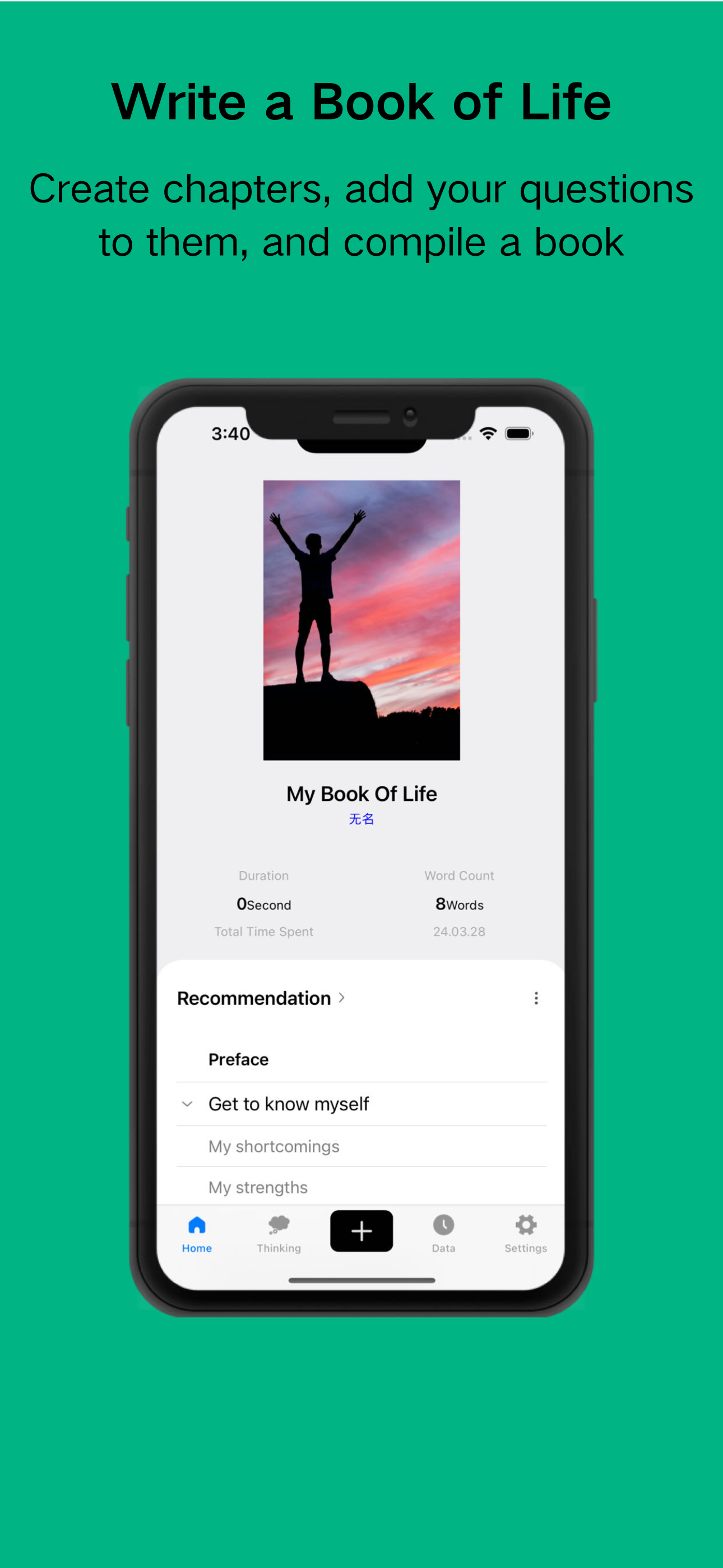
What is the Book of Life? The Book of Life is a book written by yourself, aimed at better guiding your life.
The goal of this application is to be guided by questions, by thinking about and recording important questions in life every day, and then aggregating them into a book of life to help us summarize and grow.
How to write your own Book of Life?
1. Make a list of questions, as many as possible.
2. Choose 100 questions from the list, categorizing them into 10 groups.
3. Write your answers under each question.
4. Limit the word count for each answer; for example, set it at 10,000 words. Delete any excess and add more if necessary.
5. Imagine you're writing a book. It will comprise these 100 questions and their corresponding answers.
6. You'll personally select and write this book to guide yourself in living a fulfilling life.
7. Dedicate a certain amount of time each day to read, contemplate, excerpt, and jot down thoughts. Summarize your experiences, all to be compiled in the aforementioned book.
8. When compiling, adhere to one principle: do not exceed your word limit. Challenge yourself to condense and optimize the structure.
9. Regularly reread what you've written to keep it fresh.
10. Be patient with this endeavor; don't expect instant results.
Main features:
(1) Create questions, contemplate them, and record the insights gained from contemplation.
(2) Create the Book of Life, establish chapters, and add questions to structure your thoughts.
(3) Record flashes of insight, collecting those fleeting moments of inspiration.
-- User Agreement: https://mn7tedo0hi.feishu.cn/docx/NeERdWfa9otzXtxWYwZcMRSzn8g
-- Privacy Policy: https://mn7tedo0hi.feishu.cn/docx/KROtdxT6zoFB6fx0XHmcy2s2nuc
商店排名
商店排名基于 Google 和 Apple 设置的多个参数。
所有品类在
美国--
公共事业在
美国--


 The Book of Life - Grow VS.
 五月 31, 2026