

5月19日的Faxify: Send Fax & Scan PDF应用程序分析

Faxify: Send Fax & Scan PDF
- Const Agility LLC
- Apple 应用商店
- 免费
- 公共事业
Faxify makes sending and receiving fax from your iPhone, iPad, or browser simple and reliable — no fax machine, phone line, or office hardware required. Whether you fax occasionally or run a business that faxes daily, Faxify is fast, secure, and modern.
25 FREE FAX PAGES EVERY MONTH (US & CANADA)
- Send up to 25 free pages every month — no trial, no expiration
- No credit card, no subscription, no hidden paywalls
- Truly free fax — not a 7-day trial that flips to paid
- Free sending is supported by short, non-intrusive ads
- Send PDFs, Word docs (DOC/DOCX), images, or scanned pages
- Add a cover page, organize pages, and send fax instantly
GO PRO — REMOVE ADS & GET YOUR OWN FAX NUMBER
- Subscribe to remove all ads for a clean, distraction-free experience
- Get your own dedicated fax number to receive faxes 24/7
- Use that same number as your sender ID — look professional and show your real identity to recipients
- Ideal for small businesses, consultants, healthcare providers, and anyone who faxes regularly
- Affordable monthly plans and pay-as-you-go options
ALL-IN-ONE MOBILE FAX APP
- Send fax from your iPhone, iPad, Mac, or any browser
- Fax PDFs, Word documents (DOC/DOCX), JPG/PNG images, and more — no manual conversion needed
- Attach documents from Files, iCloud Drive, Google Drive, Dropbox, Photos, or Mail
- Built-in scanner captures documents quickly and cleanly — scan and fax in one flow
- Combine pages, preview before sending, and track delivery in real time
- Email-to-fax support integrates with your existing workflow
COMPLETE DOCUMENT TOOLKIT — BUILT IN
Unlike most fax apps, Faxify includes document tools so you never need to switch apps:
- PDF tools: merge, split, compress, reorder, convert to/from images
- Image editing: crop, rotate, enhance, and convert images for faxing
- Word docs: open and prepare DOC and DOCX files for sending
- Signature tools: sign documents directly in the app before faxing
- Page management: rearrange, delete, combine pages from any source
RECEIVE FAXES ANYTIME
- Get a dedicated fax number for continuous incoming fax support
- Receive fax instantly with secure cloud storage and notifications
- Organize your fax inbox: search, download, print, or share documents
- Access sent and received fax history across all your devices
SECURE & PROFESSIONAL FAXING
- HIPAA and SOC 2 compliant providers
- 256-bit SSL encryption protects documents in transit and at rest
- Trusted by users in healthcare, finance, law, government, real estate, and small business
REAL CUSTOMER SUPPORT — NOT A CHATBOT
- Free and lower-tier users: fast email support from real humans
- Higher-tier subscribers: priority email plus phone and Google Meet support
- Read our reviews — users consistently highlight reliability and support quality
AI-POWERED FAX AUTOMATION
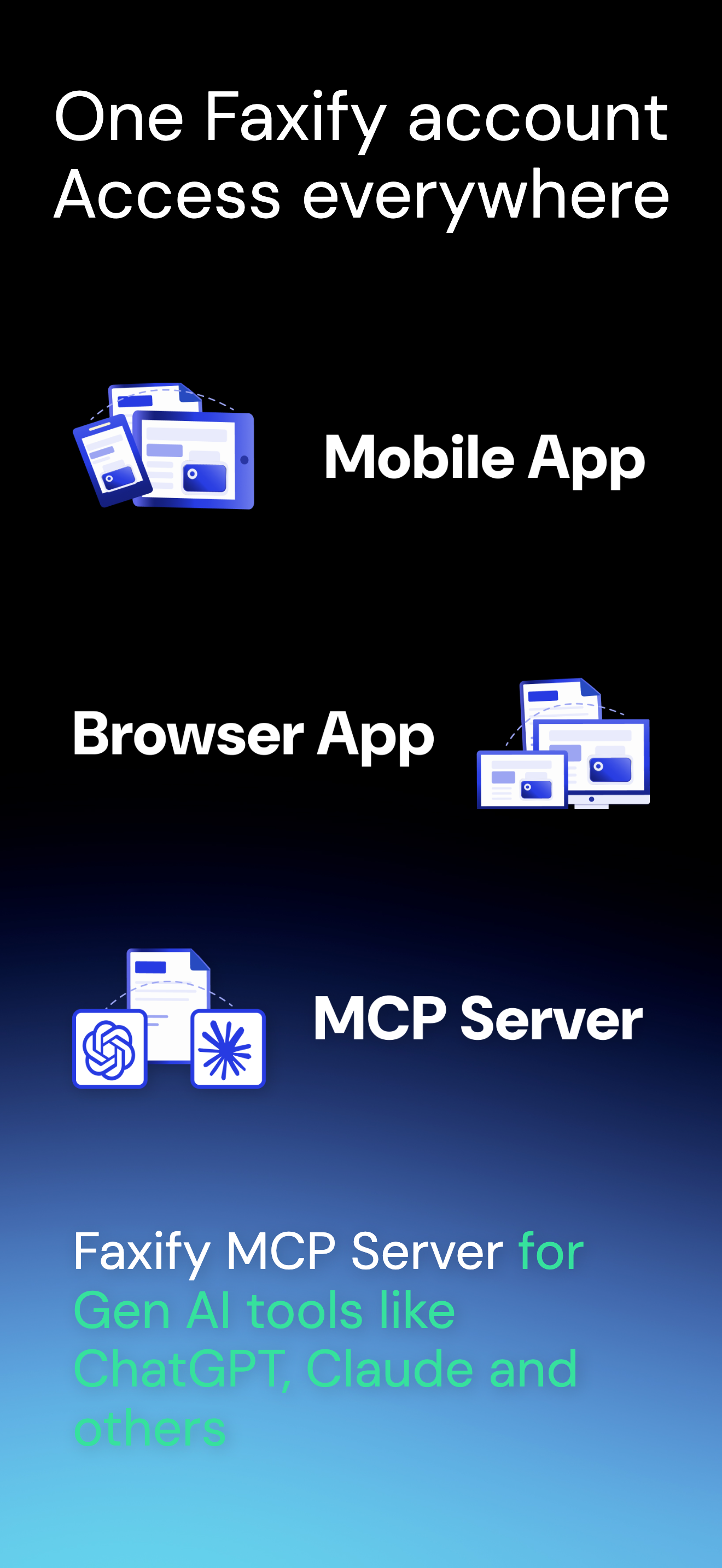
- Faxify MCP Server brings faxing into AI tools like ChatGPT, Claude, and Cursor
- Automate sending, fetching, and processing faxes
- Scriptable workflows for high-volume senders and developers
WHY USERS CHOOSE FAXIFY
- 25 free fax pages every month — no trial, no credit card
- Built-in document toolkit most fax apps don't include
- Real human support over email, phone, and Google Meet
- Send PDF, DOC, DOCX, and image files without converting first
- Affordable plans and a dedicated fax number when you're ready to upgrade
NEED MORE THAN FAX? TRY NXTTOOLS
Check out our companion app NxtTools at https://nxt.tools — a free, ad-supported daily toolkit for PDF, image, QR, and document tasks beyond faxing.
Download Faxify to send fax, receive fax, and run mobile fax from your iPhone or iPad — secure, modern, and ready when you need it.
Terms: https://www.faxify.com/terms.html
Privacy: https://www.faxify.com/privacy.html
商店排名
商店排名基于 Google 和 Apple 设置的多个参数。
所有品类在
美国--
公共事业在
美国--




 Faxify: Send Fax & Scan PDF VS.
 五月 19, 2026