


5月17日的SkipMov - Pick Best Moments应用程序分析

SkipMov - Pick Best Moments
- REAFO CO., LTD.
- Apple 应用商店
- 免费
- 照片与视频
SkipMov is for extracting parts from a video.
How to use...
1 Press the video icon button to load a video from your camera roll.
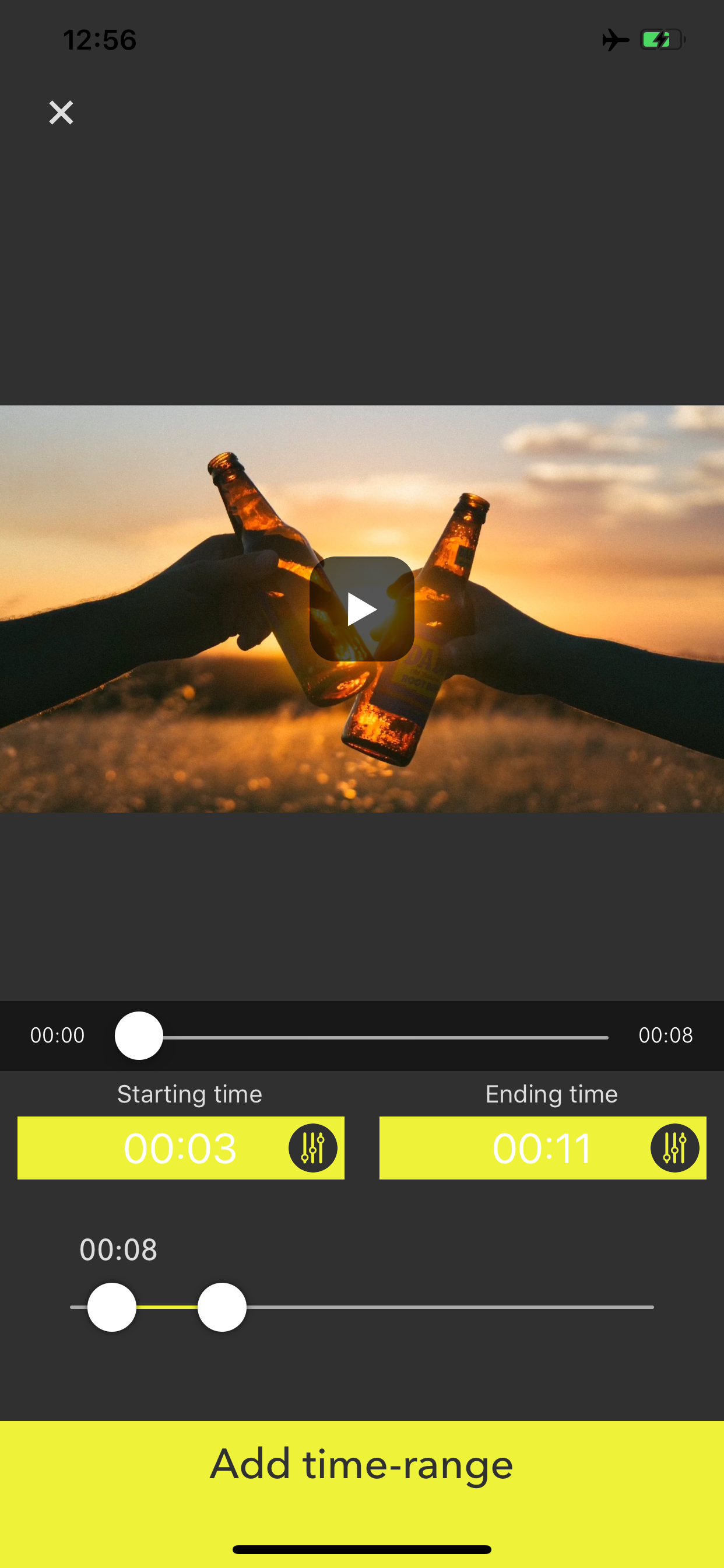
2 [+] button is for adding time range of the video.
The time range that you added is can copy by [+1] button and can also delete by [trashbox] button.
3 If you want to reorder time ranges, press the right-bottom button. Then drag a time range cell to right position you want.
4 Finally, press the [Save] button to export time ranges as a single video.
To export it, at least one or more time ranges must be added.
商店排名
商店排名基于 Google 和 Apple 设置的多个参数。
所有品类在
美国--
照片与视频在
美国--


 SkipMov - Pick Best Moments VS.
 五月 17, 2026