


5月19日的MyBase - Simple notepad app -应用程序分析

MyBase - Simple notepad app -
- fumio ueda
- Apple 应用商店
- 免费
- 公共事业
Description of functions and features
(1) Notepad function
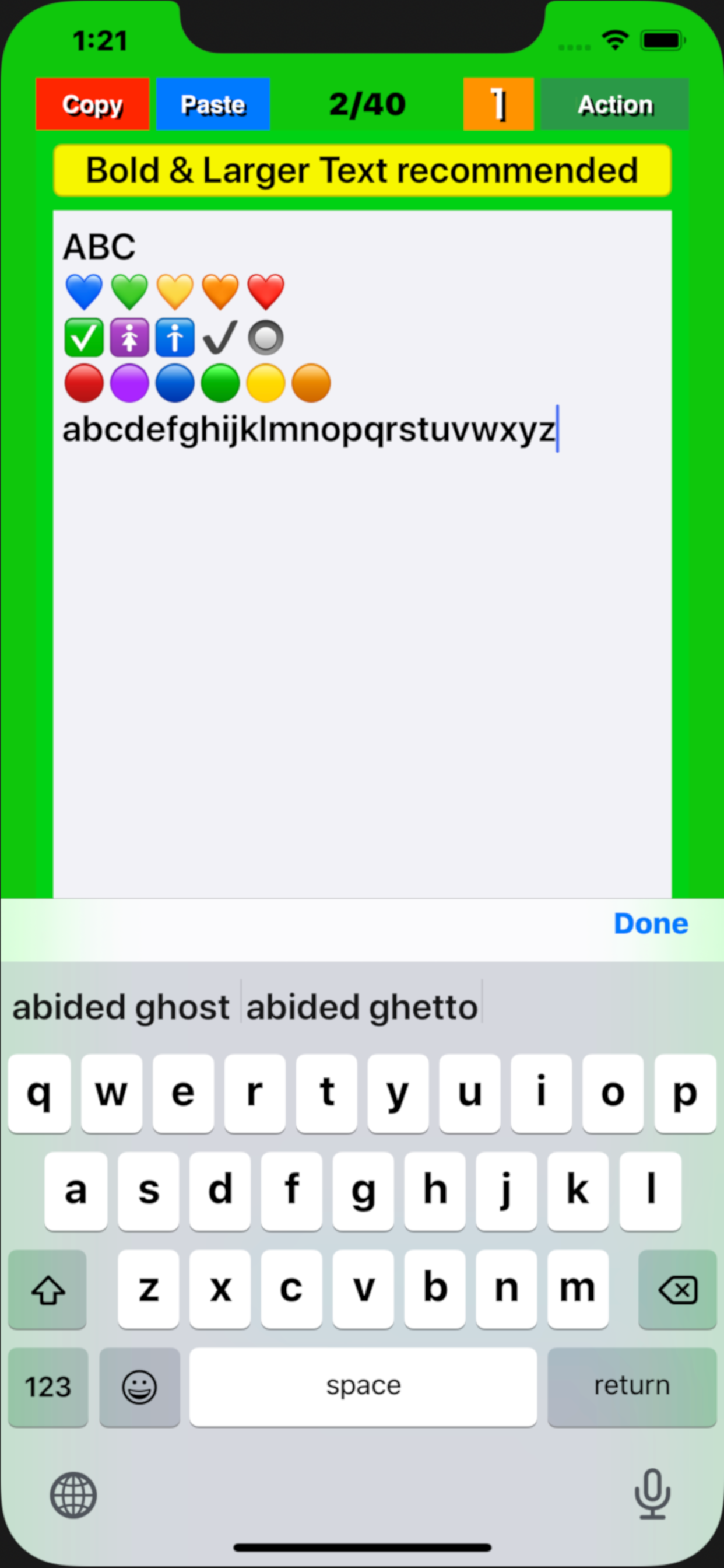
● This app“My Base” will be displayed from the page that ended last time and will be editable.
● Swipe the screen left / right or tap the left / right frame to page forward/backward. If the mode has been set to “5” with the “Mode” button, the page is turned 5 pages at a time, and if it has been set to “1”, the page is turned 1 page at a time.
● On each page, tap the position in the title / body where you want to enter text and set the cursor there. Type characters using the keyboard that pops up. The cursor will automatically move to the next position each time you enter a character.
● The entered text is stored in the memory of the device (iPhone/iPad) by pressing the "Done” button.
(2) Character number display function
● The number of characters in the text of each page is displayed in the light blue label at the bottom of the screen. The number of characters is counted again when the "Done" button is tapped or the page is turned, and the display is updated.
● The display / non-display of the number of characters with the label can be switched by pressing a few seconds the "mode" button . (v1.4)
(3) "Copy" function
By tapping the “Copy” button in a page, the entered title and text will be stored in the device memory. The text is also copied to the clipboard.
(4) "Paste" function
● Tapping the “Paste” button in a page overwrites the title and text stored in the memory into the title and body field of that page, respectively. If you tap "Overwrite" on the pop upped confirmation screen that appears before overwriting, that will be executed.
● Copying a blank page and pasting it on any other page to delete all characters at once.
(5) Table of contents creation function
Pressing a few seconds the “Paste” button, a message pops up asking if you want to create a table of contents. Select "Create" to create a table of contents.
(6) "Mail" function
On any page, pressing a few seconds the “Action” button, a screen pops up to select email or print . Select “E-Mail” and follow its instructions on the email control screen that will popup next.
(7) "Print" function (Supported in v1.4)
On any page, pressing a few seconds the “Action” button, a screen pops up to select email or print.
Select “Print” and follow its instructions on the print control screen that will popup next.
(8) Support Dynamic Type Text. (v1.4)
The text size for the title and body can dynamically be changeable through device's “Settings” .
"Setting" => “Accessibility” => “Display & Text Size” => Larger Text => ON => Larger Accessibility Sizes => ON => Change Slider Position
"Setting" => “Accessibility” => “Display & Text Size” => Bold Text => ON
(9) Text size temporary change function
The text size can be temporarily enlarged / reduced by pinching (v2.3,v2.5).
商店排名
商店排名基于 Google 和 Apple 设置的多个参数。
所有品类在
美国--
公共事业在
美国--


 MyBase - Simple notepad app - VS.
 五月 19, 2026