


5月31日的enLARGE应用程序分析

enLARGE
- Andrew Wittner
- Apple 应用商店
- 付费
- 照片与视频
Do you shoot your own black & white or colour films and then enlarge the resulting negatives in a traditional enlarger-equipped darkroom?
If you do, then you’ll know that you can make some excellent looking enlargements relatively cheaply. But you’ll also know how inefficient, time consuming and wasteful the enlarging process can be.
The problem comes with all the testing that you need to do. Normally you’ll make one or more test strips, and/or whole stepped test prints, and you’ll typically generate one or more failed, imperfect enlargements, all of which are wasteful of your time, print paper and processing chemistry, and the wastage becomes greater as the enlargement size increases.
What can you do about it? The nature of the enlarging process is that you need to test your enlargements before you print them. But now using enLARGE, you can make all your test and work prints as small, cheap, quick-to-produce whole frame enlargements, in tiny sizes such as matchbox, credit card, wallet and postcard - or at any other small size/s you like above 1X magnification. Then, using enLARGE, you can quickly and easily compute the exposure time/s needed to expose any perfectly matching larger enlargement/s, thus from the same negative, and in this way you can produce the larger enlargement/s without incurring any wastage of time or materials at their larger size/s. So with enLARGE you can ‘test small’ and then ‘print larger’, and save time and money in doing so. You’ll find that you can make better looking larger enlargements by being able to first accurately preview them as small conveniently sized whole-frame prints.
And there’s more. This same functionality also lets you easily and quickly print whole sets of variously sized perfectly matching enlargements from the one negative, instead of just enlarging to one predetermined size only. This means you can now easily make perfectly matched differently sized enlargements to suit different uses and users. You won’t need to make any additional tests, or waste any time or materials, in producing them.
enLARGE also provides 3 other features which are useful to your enlarging process. First, it carries and computes as many as four separate dodge & burn values, and shows you their required exposure times for the current enlargement. Second, it automatically computes a secondary, customisable dry-down exposure time which compensates for your print paper’s dry-down characteristic. And third, it helps you to manage split exposure times, in which a long single exposure time is broken down into a sequence of two or more shorter split exposures. These shorter exposures typically produce a print which is slightly lighter than one which is made using the single longer exposure, so enLARGE automatically lengthens its shorter computed times to compensate.
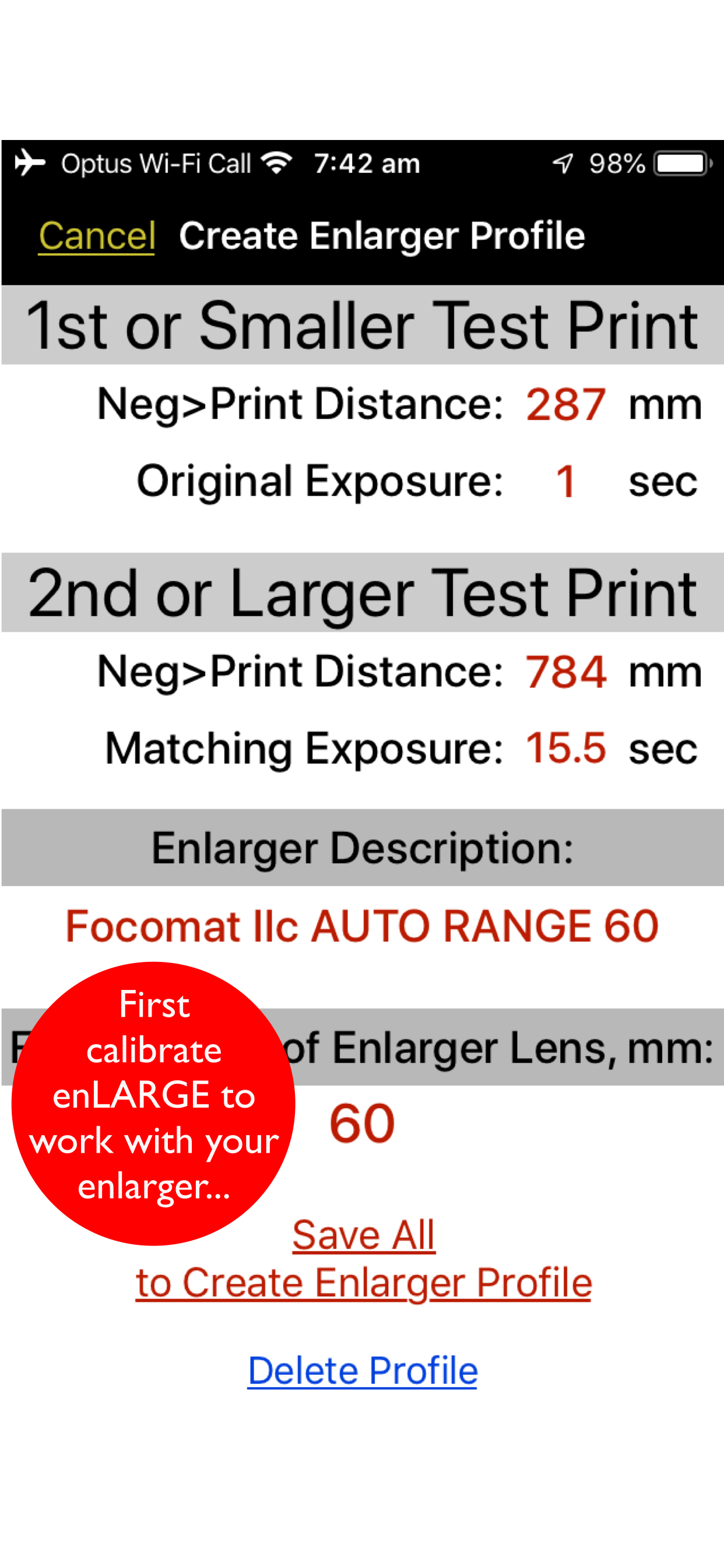
How does enLARGE work? Is it just a fancy, overpriced enlargement magnification computer? No, it isn’t! Simply computing an exposure change based on a magnification change alone isn’t enough for truly accurate exposure-change forecasting. Instead, during a unique calibration process which you carry out in your darkroom using enLARGE with your enlarger, enLARGE records the unique exposure curve of your enlarger - being its relative projection brightness at different magnifications - and it then uses this data to make the most perfectly accurate exposure forecasts for all enlargements made above 1X using the tested equipment. enLARGE works with condenser, diffusion, dichroic, multigrade, cold-light grid and LED panel enlargers, of all formats, and with enlarging lenses of all focal lengths including wide-angle lenses. It works with all types of contrast filtration control and with split-grade printing. Please visit our official blogspot for the most in-depth technical info!
Save time and money when enlarging. Make perfectly matching better looking enlargements in all the sizes you like. With enLARGE.
商店排名
商店排名基于 Google 和 Apple 设置的多个参数。
所有品类在
美国--
照片与视频在
美国--




 enLARGE VS.
 五月 31, 2026