

You’ve hit your search limit
Start your free trial to keep exploring full traffic and performance insights.
Get StartedMoviPic - Movie to Photo app analytics for August 31

MoviPic - Movie to Photo
- Yoshiyuki Hirose
- Apple App Store
- Free
- Photo & Video
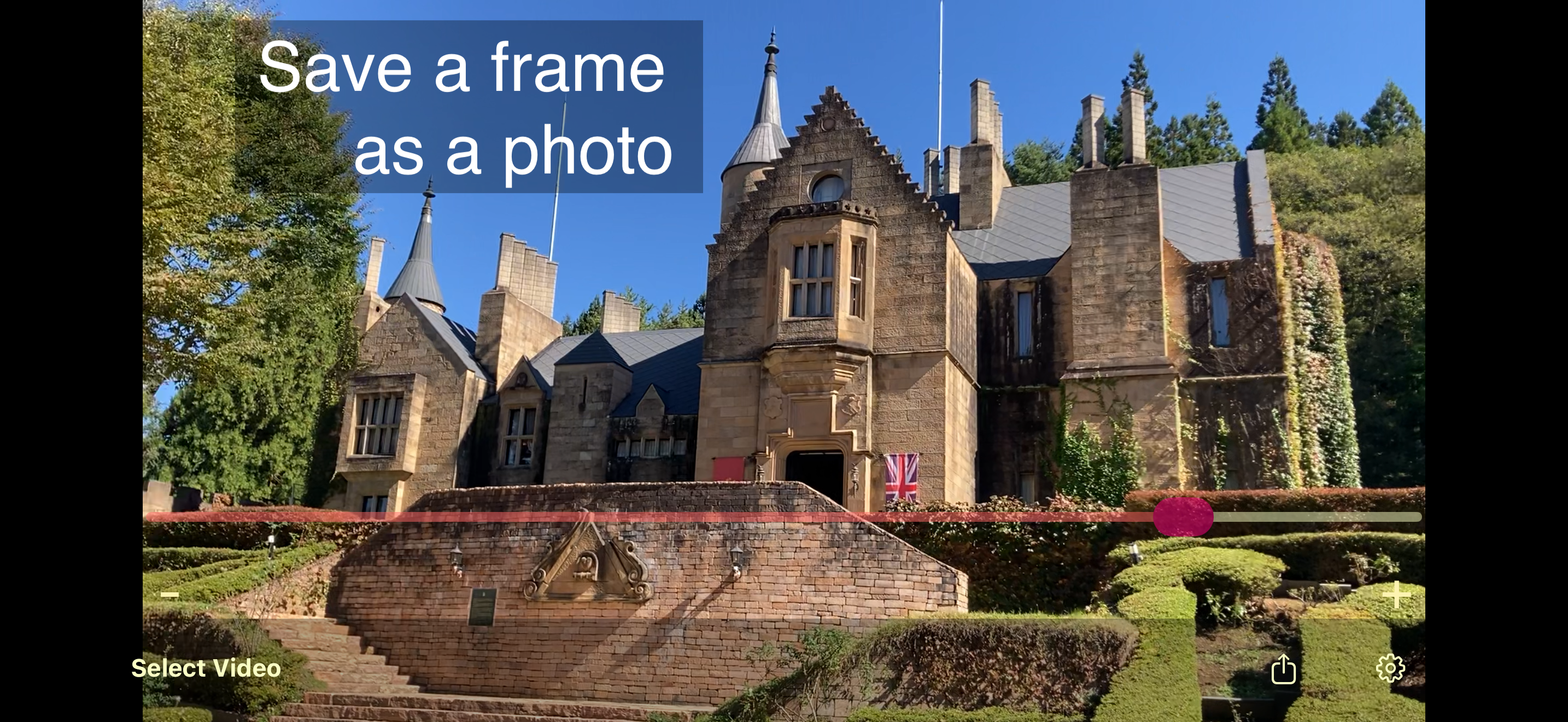
Get high-quality photos from your videos with MoviPic.
How to use:
1. Select a video from Photos.
2. Drag the slider to select a frame.
* Swipe the screen for fine adjustment.
* "+" moves one frame forward, "-" moves one frame backward.
3. Tap the "Share" icon to export the photo.
◇
Turn on "Original Resolution/FPS Import" in Settings to load videos at their original resolution and frame rate, so your extracted photos keep the full quality of the source video (photo library access required).
◇
This app supports slow-motion (slo-mo) videos. With the setting above on, you can choose to load a slo-mo video at its original high frame rate, or as a converted normal video.
◇
To embed GPS and timestamp data from the original video, turn on the switches under "Export settings" on the "Information" screen.
After viewing an ad, a button to save directly to the "MoviPic" album in Photos will appear.
Store Rank
The Store Rank is based on multiple parameters set by Google and Apple.
All Categories in
United States--
Photo & Video in
United States--
Top Competitors & Alternative Apps
Apps with a high probability of being used by the same users, from the same store.

Movie Capture

Video to Pic Converter Vid2Pic

Videos to Photos / Images 2

Time Lapse Photo From Video
 MoviPic - Movie to Photo VS.
 August 31, 2026