

You’ve hit your search limit
Start your free trial to keep exploring full traffic and performance insights.
Get StartedFinance app analytics for August 30

Finance
- Michael Yenco
- Apple App Store
- Paid
- Finance
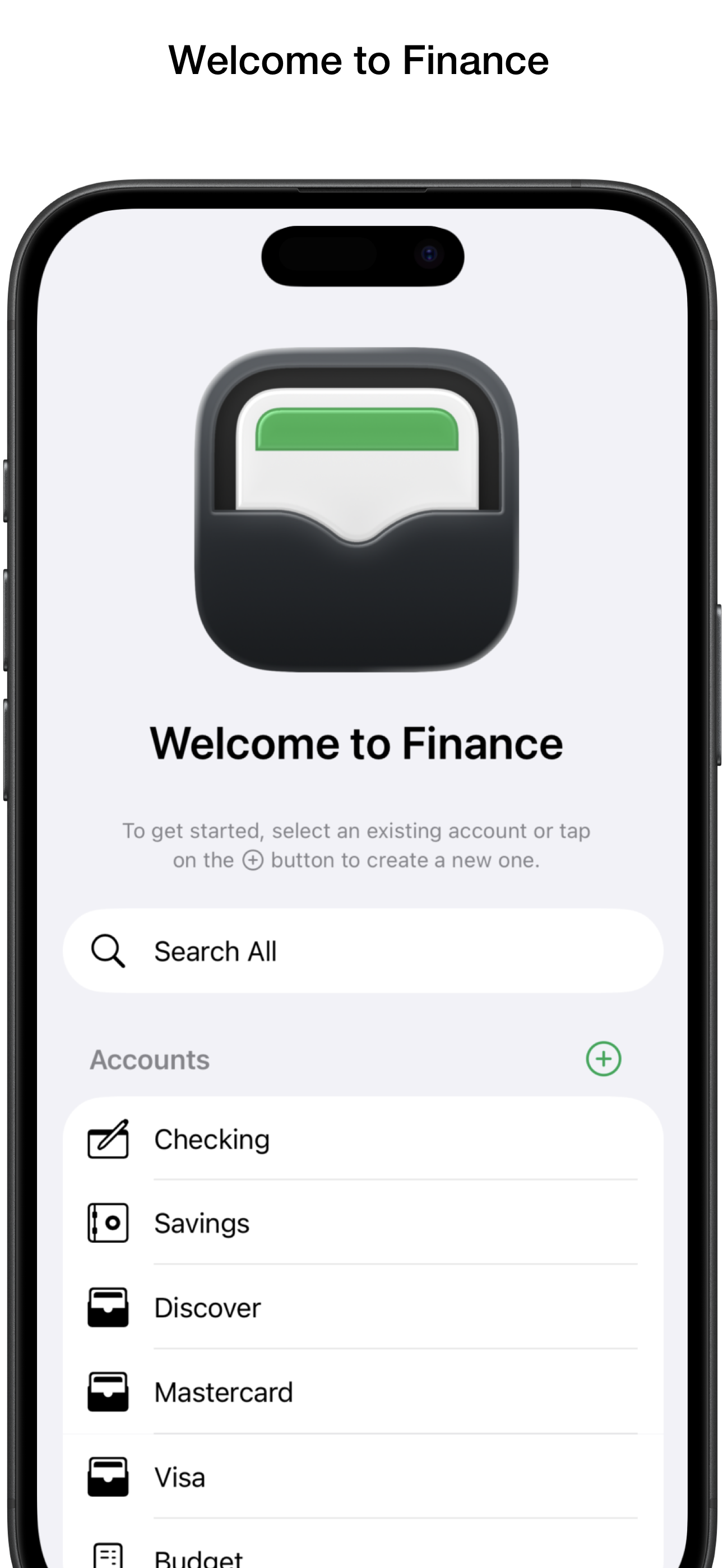
Finance enables you to enter and keep track of your checking, savings, and credit card transactions and create and manage a budget.
It uses iCloud to sync your data across all of your macOS, iOS, and iPadOS devices, subtly indicating when a sync is in progress while ensuring uninterrupted productivity.
Transaction forms adapt to request only pertinent info based on the account and transaction type. They are designed for consistency across all of your devices and organized to make data entry a breeze with time-saving custom descriptions and labels. You can enter an amount or optionally create an itemized list with multiple amounts that total as they are entered.
Additionally, Finance can generate a credit transaction in another account (with the same currency format) from any debit transaction and establish a link between them (e.g., for balance transfers or bill payments). Changes made are reflected in the associated transaction. If a linked transaction is deleted, both are removed. However, if an account is deleted, Finance preserves the transaction in the remaining account, ensuring the history and account balance remains accurate.
For new transactions similar to those already created, you can save even more time by simply creating a duplicate with the current date, making any necessary modifications, and then saving it.
Beneath the transactions list, a convenient section displays your current balance including color-coded status dots to alert you to issues. Easily reconcile your checking or savings balance with your bank statement or website by checking off cleared items. You can also check off credit card transactions as you pay for them, allowing you to keep track of pending purchases.
Use the filter popup menu to display only those transactions that have not been cleared, those within a specified number of days, or those assigned to a particular category. You can also combine the options for even greater control and change the preference for if the filters will be maintained as you move between accounts and search all.
Search one or all of your accounts to find what you’re looking for. When searching all, the results will be grouped by account. If your list is filtered, Finance will search only the transactions that have already met your specified criteria.
Finance enables you to easily create a budget linked to a checking or saving account to help you manage your money. When you do so, it generates a “General Funds” budget item and places the current total into it. You can create funds and enter the amounts for monthly bills. Use the divide by feature to take out a smaller portion of your income as you build toward the total due. Once you cover your expenses, you can also set up funds to take out a percent of what remains if you're saving up for something special. You can also set goals and even cap the total the funds can hold.
Once your budget is set up, the rules you created run in the order they appear (drag them to rearrange the order). When you add to your linked account and choose to apply to budget it distributes the money. If you don't apply to your budget, the total goes into “General Funds”. When deducting from your linked account, you can choose which funds the money will come from. The budget chart and overview list provides an up-to-date status of your funds at all times.
Your budget is not set in stone. You can easily transfer money from one fund to another. You can edit your funds, delete funds that are no longer needed (remaining money will be placed in “General Funds”), and set up new funds. Changes take effect next time you add to the linked account.
Store Rank
The Store Rank is based on multiple parameters set by Google and Apple.
All Categories in
United States--
Finance in
United States--
FinanceAugust 30, 2026