


7月13日 的 PrinterShare: WiFi & PDF 應用程式分析

PrinterShare: WiFi & PDF
- Dynamix Software
- Apple App Store
- 免費版
- 生產力
Print photos, PDFs, documents, web pages and contacts straight from your iPhone or iPad – no computer required. Or turn any Mac or PC-connected printer wireless and reachable from anywhere in the world with PrinterShare Desktop app.
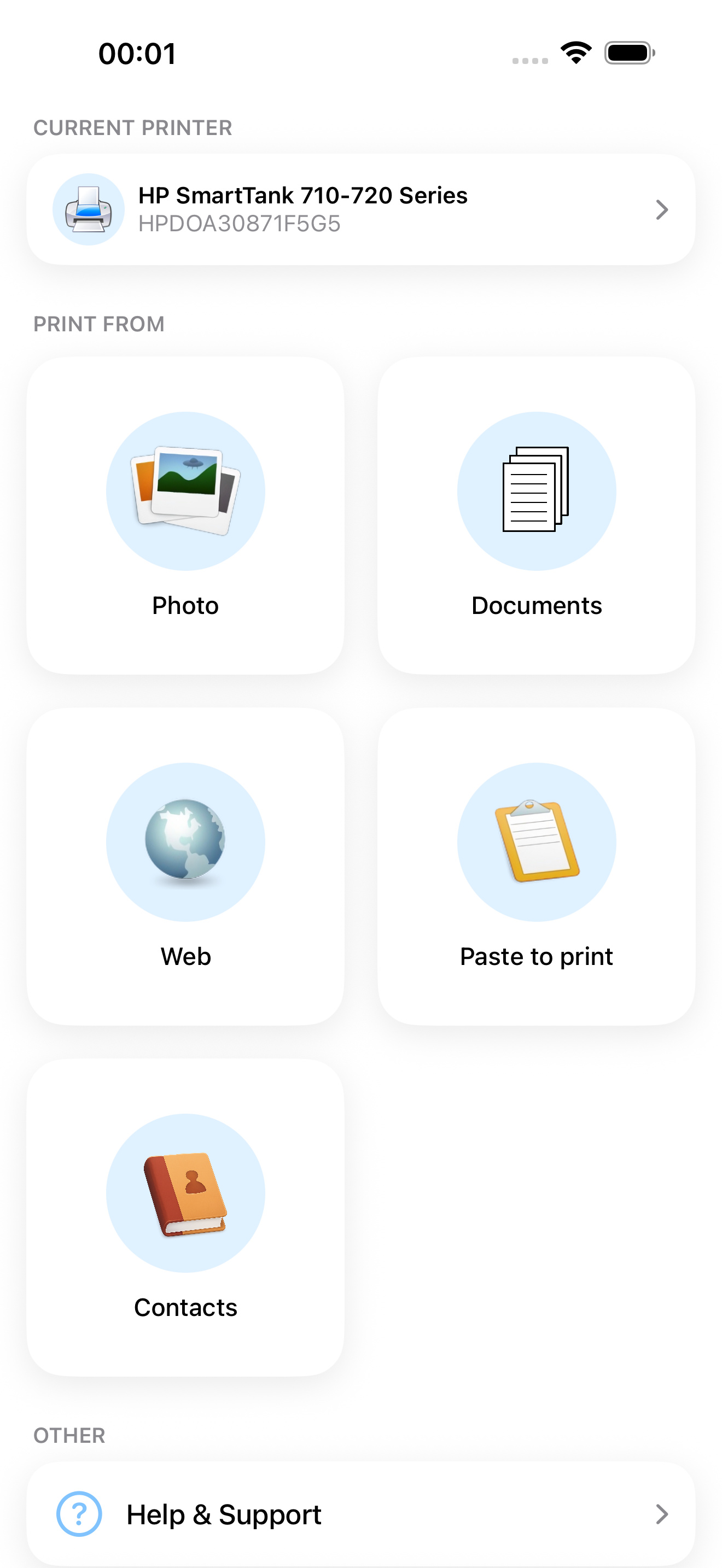
Pick what you want to print inside the app, or send it from any other app with the Share button.
WHAT YOU CAN PRINT
- Photos and images
- PDF files and documents
- Web pages
- Contacts
- Content copied to clipboard (using Paste to Print)
- Content shared from other apps via the Share menu
HOW YOU CAN PRINT
- Over Wi-Fi (to a Wi-Fi-enabled printer directly from your phone or with a router as a middleman)
- Wirelessly via PC or Mac (if your printer is shared using a PrinterShare desktop client);
- Save as PDF;
WORKS WITH THOUSANDS OF PRINTERS
PrinterShare supports thousands of models from HP, Canon, Epson, Brother, Samsung, Xerox, Lexmark, Ricoh and many more brands. Most Wi-Fi printers are detected automatically. If your exact model isn't explicitly supported, the app suggests a driver that's likely to work.
Don't see your printer? You can still print through the free PrinterShare desktop app. As long as the printer works from a Windows or Mac computer on the same Wi-Fi network, PrinterShare can print to it. Just install the PrinterShare Desktop app from printershare.net and the app finds shared printers automatically.
FREE TO TRY — ONE-TIME UNLOCK
PrinterShare is free to install, and you can print a test page free to confirm your printer works. To unlock full functionality, buy the Premium Key as a one-time in-app purchase or get a cheaper Premium subscription if you prefer.
You can also get the standalone PrinterShare Premium app on the App Store.
PRINT FROM ANYWHERE
Print to a printer located anywhere in the world over the internet. This needs the PrinterShare Desktop app installed on the computer at the receiving end. Also, logging into the same PrinterShare account in the mobile app and in the desktop app.
For remote printing, you get 100 complimentary pages to your PrinterShare account when you unlock premium in the mobile app.
MORE INFO
Please, visit printershare.net for help and more details.
You can read the Terms of Use here: https://printershare.net/terms.php
商店排名
商店排名基於Google和Apple設定的多個參數。
所有類別 在
德國--
生產力 在
德國--



 PrinterShare: WiFi & PDF VS.
 7月 13, 2026