

8月16日 的 RST 599TK 應用程式分析

RST 599TK
- koji kamogawa
- Apple App Store
- 免費版
- 教育
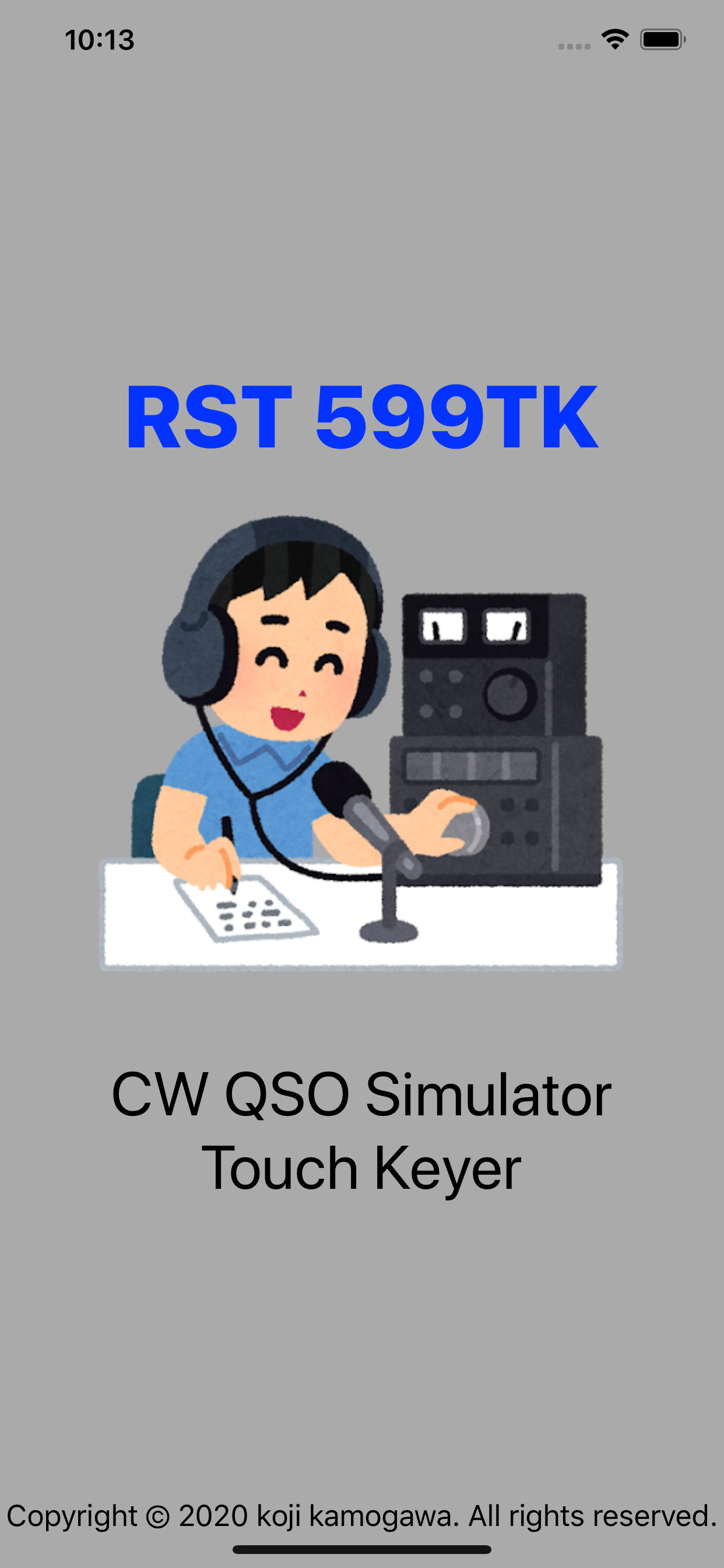
This app is a real CW QSO simulator for Amateur Radio.
"599BK & AADX Contest type QSO" is supported.
Input of Morse Codes are by using Electric Touch Keyer.
Changing of TX/RX is by SEND button.
Supported Min-in CW Decoder too.
【Characteristic】
1. "599BK" and "Contest" style support.
2.Support the CW Speed Control, Reverse of Dot/Dash pad.
3.Status display showing TX / RX operation.
4.Support the space insertion operation both automatic and manual.
5.Support the Min-in CW Decoder function.
6.Support the shortcut-key of CQ and TU.
CQ Button function can be set by setting menu.
7.Support the repeat-call function.
It works only when the TU button is pressed at the end of the QSO.
8.Support input function by key button
【How to use】
1.The case of CQ Calling
Press SEND button
Input "CQ CQ DX DE (YOUR CALLSIGN) PSE K" by Touch Keyer.
Press SEND button again
2.The case of CQ Answering
Press SEND button
Input "QRZ DX" by Touch Keyer or Straight Key.
Press SEND button again
--- Examples of QSO ---
[CQ Calling]
"CQ CQ DX DE xxnxx xxnxx PSE K"
>>> xxnxx DE **n** K
"**n** DE xxnxx UR RST 559 BK"
>>> R MY RPT 559 UR RST 599 BK
"QSL TU"
>>> R 73 TU
"E E"
>>> E E
[CQ Ansewing]
"QRZ DX"
>>> "CQ CQ DE **n** **n** PSE K"
"**n** DE xxnxx K"
>>> "xxnxx DE **n** UR RST 579 BK"
"R **n** DE xxnxx UR RST 599 TU"
>>> "R TU"
"E E"
>>> E E
--- DETEC WORDS ---
[CQ Calling]
CQ
CQ DX
CQ NA
CQ JA
[CQ Ansewing]
QRZ
QRZ DX
QRZ NA
QRZ JA
[BOTH]
DE
K
BK
UR RST
73
TU
E E
etc...
【Example usage video】
- Touch Keyer -
https://www.youtube.com/watch?v=CuSEaJtD3KQ
- Microphone IN Mode -
https://www.youtube.com/watch?v=goN9hVDEGnM
商店排名
商店排名基於Google和Apple設定的多個參數。
所有類別 在
美國--
教育 在
美國--




 RST 599TK VS.
 8月 16, 2026