

7月17日 的 PDF Scanner App: Scan Document 應用程式分析

PDF Scanner App: Scan Document
- Smart Tool Studio
- Apple App Store
- 免費版
- 商業
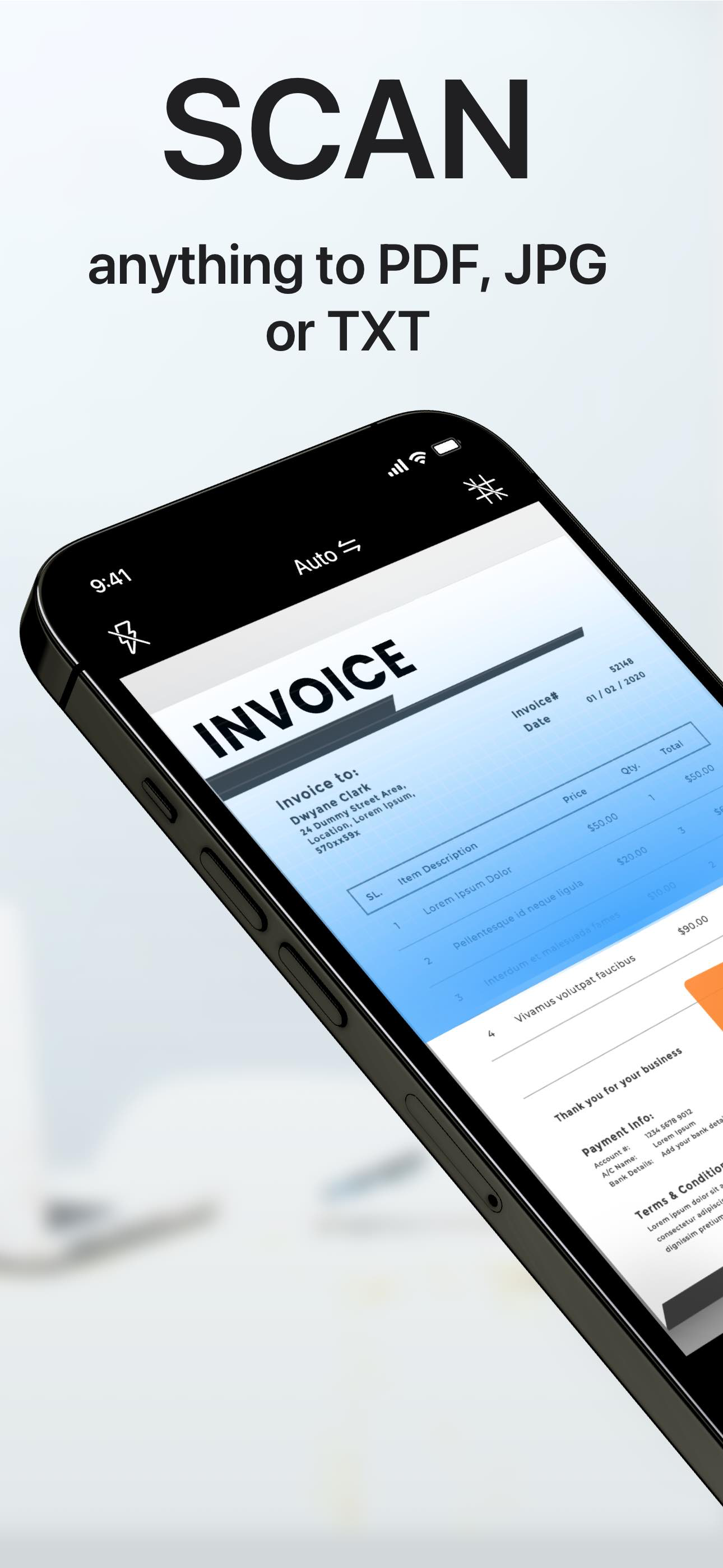
"Scanner APP" is the best scanner app that can turn your iPhone into a powerful mobile scanner. It enables you to quickly and easily scan, sign and share any document in PDF, JPEG, PNG or TXT format anywhere and anytime.
Looking for a powerful digital office to help you be more productive?
Scanner APP is a portable document scanner and PDF editor, various editing functions including e-signature to ensure your doc to become more professional! Use OCR (Optical Character Recognition) to recognize text in images and quickly convert images to text. And it also supports email, fax, print or save it to the cloud. Say goodbye to heavy paper documents and huge copiers, store all documents on your phone, and handle paperwork with ease.
This free & powerful Scanner App is an indispensable tool for students and any corporate employees in their work and personal life as the accountant, manager, real estate agent, lawyer or doctor. With this PDF scanner, you can scan anything you need: receipts, contracts, paper notes, fax papers, books, and store your scans as multipage PDF or JPG files.
Scanner App is an all-in-one scanner app that can be used not only as a PDF converter, but also as a fast & easy QR scanner. Use the camera on your mobile device to scan any type of qr codes & barcode, including product, URL, Wi-Fi, 2FA, ISBN, VCard, contact, calendar, email and many other formats.
Scan Whatever U Want:
- Passports, business cards, ID cards, business documents, agreements, letters
- Photos, Books, Notes, Sketches
- Certifications, contracts, invoices, orders, receipts, etc
Innovative Document Scanner
- Scan documents to high quality PDF, JPEG or TXT
- Save scanned images in black and white or other filters
- Automatic and correct edge detection of any scannable objects
- Batch scan
Document Editor
- Add electronic signatures to scanned documents
- OCR (convert any scan into text)
- Import PDF for quick editing and saving
- Crop, zoom in, zoom out, rotate images and save supported
- Import files from other apps and edit
File Sharing
- Scan, save and send documents in just a few taps
- Share your scanned documents via email
- Save as JPEG to Gallery
- Share and printe saved documents
- Share and upload files to Dropbox
File Manager
- Create folder, move or copy documents
- Protect your confidential files & folders with PIN
- Sort documents by name, created date, or size
- Batch share or delete
QR Code Reader & Barcode Scanner
-Auto-scan any QR code or barcode for product information
-scan the promotion and coupon codes for shops to get discounts and save money
-View QR E-Menu and order online
-Scan Wi-Fi password, automatically connect to the wifi
-Support 2FA authentication, get a verification code for your online account
SUBSCRIPTION :
Length of subscription: one month/one year/lifetime
• Payment will be charged to iTunes Account at confirmation of purchase
• Subscription automatically renews unless auto-renew is turned off at least 24 hours before the end of the current period
• Account will be charged for renewal within 24 hours prior to the end of the current period, and identify the cost of the renewal
• Subscriptions may be managed by the user and auto-renewal may be turned off by going to the user's Account Settings after purchase
• Any unused portion of a free trial period, if offered, will be forfeited when the user purchases a subscription to that publication, where applicable
• You can cancel a free trial or subscription anytime by turning off auto-renewal through your iTunes account settings. This must be done 24 hours before the end of a free trial or subscription period to avoid being charged.
If you have any questions, please email us to mobileusercontact@gmail.com and we’ll help you figure it out.
Privacy Policy: http://adpdf.mobilestudio.cc/privacy.html
Terms of Use: http://adpdf.mobilestudio.cc/useragreement.html
商店排名
商店排名基於Google和Apple設定的多個參數。
所有類別 在
美國--
商業 在
美國--


 PDF Scanner App: Scan Document VS.
 7月 17, 2026