

12月21日 的 PrintAssist 應用程式分析
PrintAssist
- iWare Inc.
- Apple App Store
- 付費
- 公共設施
The only way to enable printing in an unusual size from FileMaker Go was to use an SDK to develop an app, which is provided by printer manufacturers.
Now, you can just launch “PrintAssist” on the script instead of developing a native application!
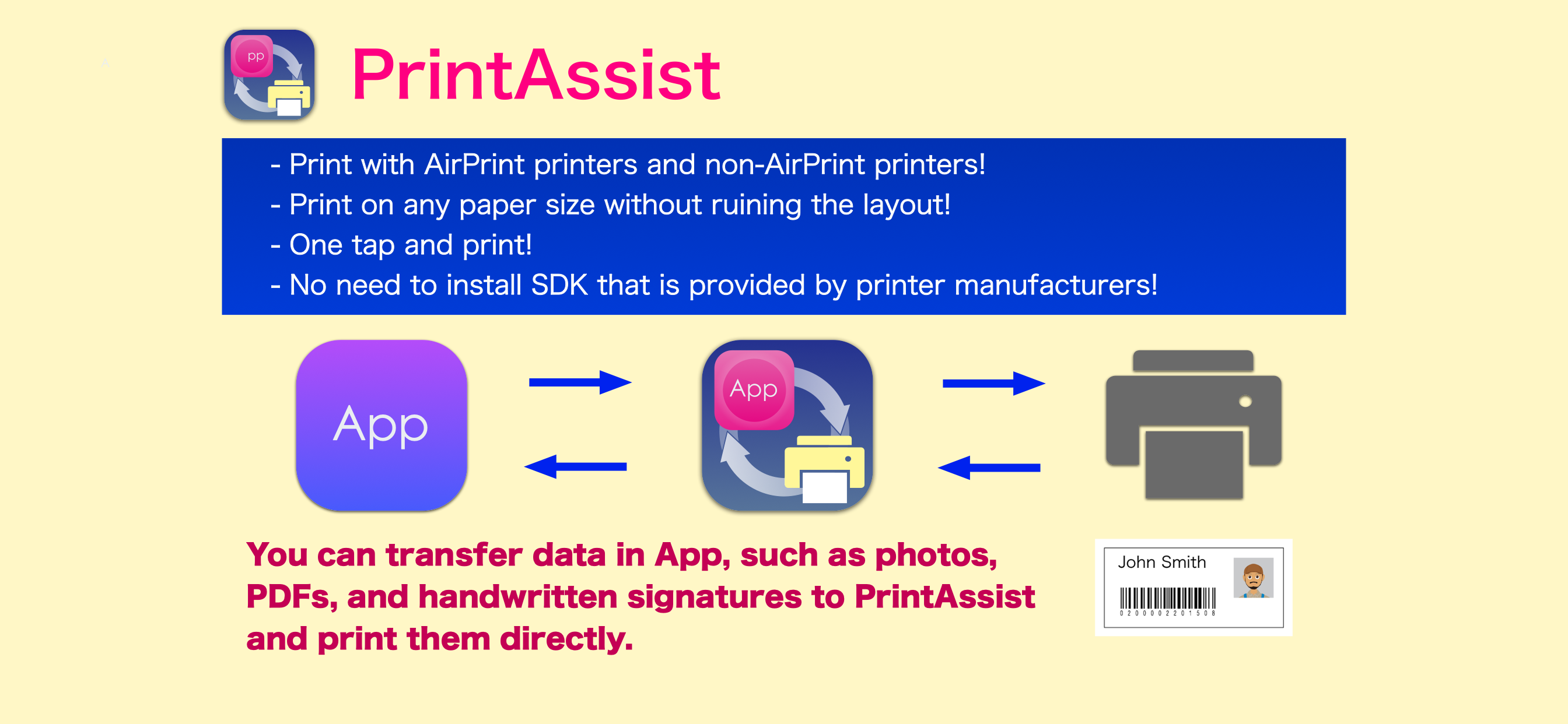
It's possible to print with AirPrint supported printers but also non-AirPrint printers! Particular printers, such as POS printers or Label printers, are also compatible.
* PrintAssist Features
・Print with AirPrint printers and non-AirPrint printers!
・Print on any paper size without ruining the layout!
・Objects (images, PDFs, or handwritten signatures) can be transferred!
・Print QR codes or bar codes!
・One tap and print!
・No need to use an SDK to develop an app, which is provided by printer manufacturers!
・Specify the number of copies!
* Print Various Contents
You can transfer data in FileMaker Go, such as photos, PDFs, and handwritten signatures to PrintAssist and print them directly.
FileMaker Go generates QR codes or bar codes and prints them directly. Otherwise, you can transfer the data to PrintAssist, and it generates the codes to print.
When you frequently print certain image data such as logos, you can store them on PrintAssist. Depending on the system contents, the app offers you flexible use.
* Notes
1. PrintAssist is required to write a script on an app such as FileMaker Go.
You can download the specifications and sample from the following link.
http://iwares.co.jp/printassist/
2. The compatible printers are the same as that of PrintAssist LITE. Please make sure that you can print on PrintAssist LITE before you purchase this app.
* Please note that M1 equipped Mac does not support Bluetooth printing.
商店排名
商店排名基於Google和Apple設定的多個參數。
所有類別 在
美國--
公共設施 在
美國--



 PrintAssist VS.
 12月 21, 2025