

You’ve hit your search limit
Start your free trial to keep exploring full traffic and performance insights.
Get Started18 Mayısiçin SkipMov - Pick Best Moments uygulama analizi

SkipMov - Pick Best Moments
- REAFO CO., LTD.
- Apple App Store
- BOŞTA
- Fotoğraf & Video
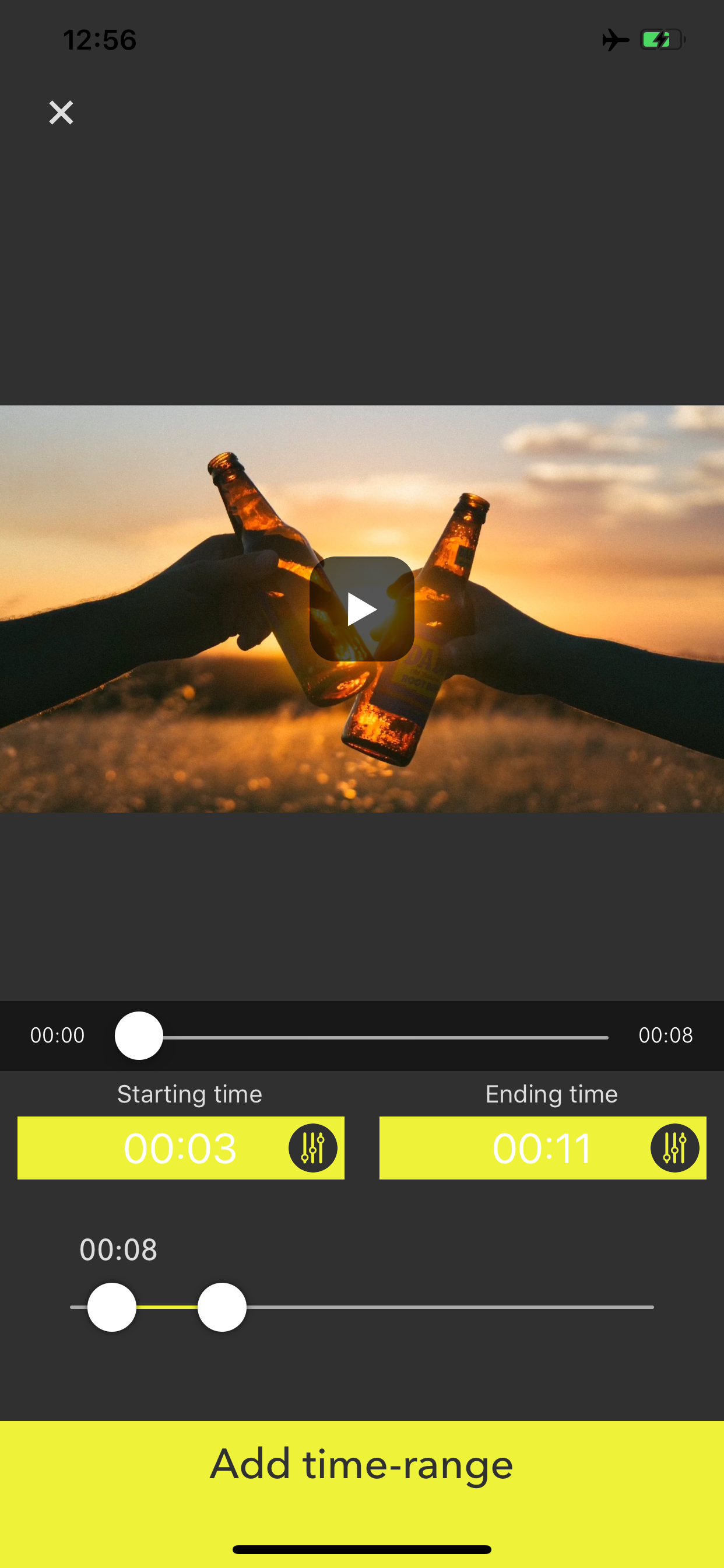
SkipMov is for extracting parts from a video.
How to use...
1 Press the video icon button to load a video from your camera roll.
2 [+] button is for adding time range of the video.
The time range that you added is can copy by [+1] button and can also delete by [trashbox] button.
3 If you want to reorder time ranges, press the right-bottom button. Then drag a time range cell to right position you want.
4 Finally, press the [Save] button to export time ranges as a single video.
To export it, at least one or more time ranges must be added.
Mağaza Sıralaması
Mağaza Sıralaması, Google ve Apple tarafından belirlenen birden fazla parametreye dayanmaktadır.
Tüm kategoriler içinde
Amerika Birleşik Devletleri--
Fotoğraf & Video içinde
Amerika Birleşik Devletleri--
En İyi Rakipler & Alternatif Uygulamalar
Aynı mağazadan, aynı kullanıcılar tarafından kullanılma olasılığı yüksek olan uygulamalar.

Video Joiner & Trimmer

Video Compressor - resize all

MoviePro - Pro Video Camera

Combine Video Maker
 SkipMov - Pick Best Moments VS.
 Mayıs 18, 2026