

You’ve hit your search limit
Start your free trial to keep exploring full traffic and performance insights.
Get StartedSecureScan : Camera Scanner app analytics for January 15

SecureScan : Camera Scanner
- Rakesh Bhadani
- Apple App Store
- Free
- Utilities
SecureScan - Camera Scanner for iOS and iPad
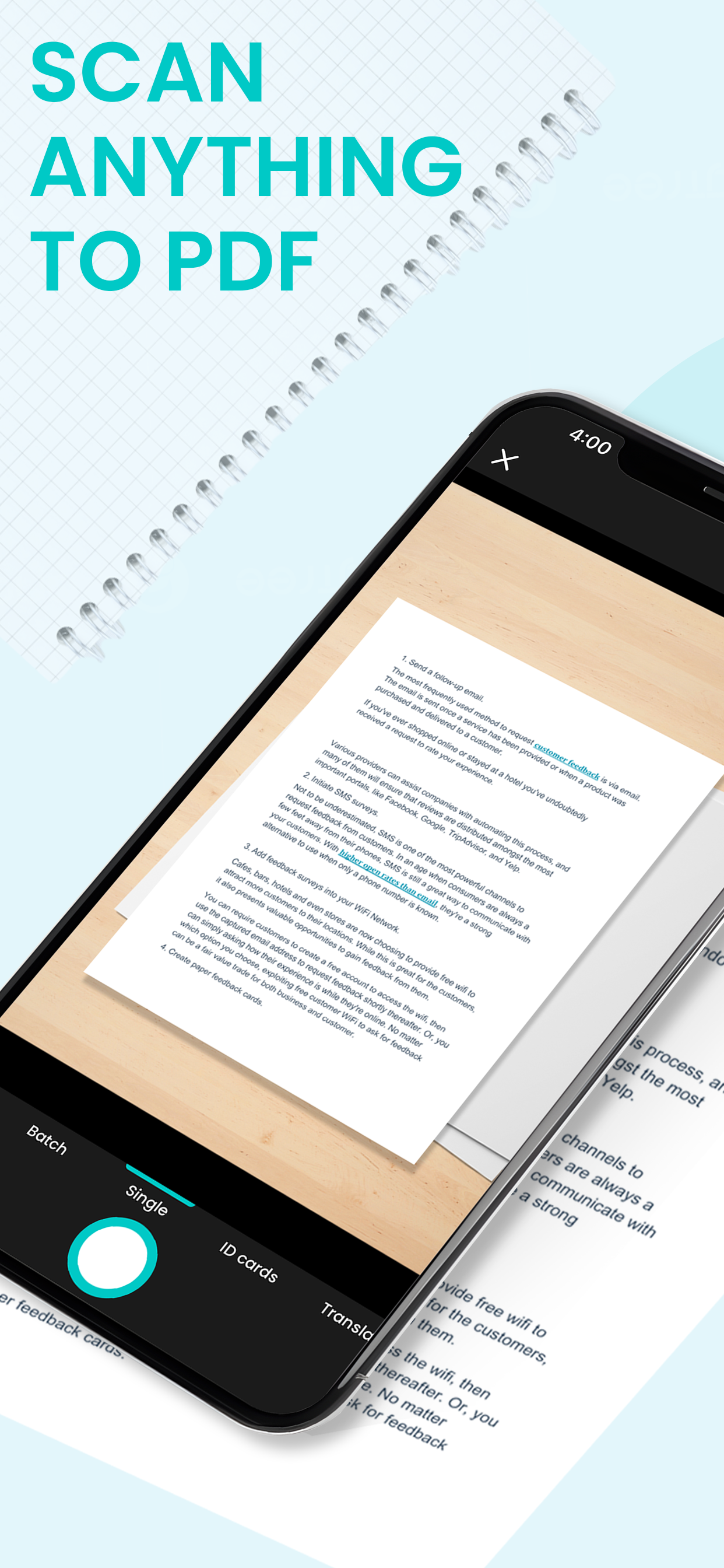
SecureScan transforms your iPhone and iPad into a multifunctional scanning tool that combines the power of document digitization, advanced PDF editing, and seamless text translation. Whether you need to scan, edit, annotate, or share important documents, SecureScan has you covered with its comprehensive set of features, all designed for ease of use and professional results.
Key Features:
● Fast Document Scanning
Capture any type of document—whether it’s a contract, receipt, business card, or handwritten notes—quickly and accurately. Using your device’s camera, SecureScan automatically detects document edges and adjusts the scan for the best possible quality, eliminating the need for manual adjustments.
●Automatic Edge Detection & Smart Cropping
SecureScan’s intelligent edge detection technology identifies the borders of your document in real time. It crops and aligns the scan perfectly, giving you a polished result without effort, regardless of the angle you capture the document from.
● High-Quality PDF Conversion
Convert your scanned documents into high-quality PDFs with just a tap. Whether it’s black-and-white text or full-color images, SecureScan ensures that your PDF retains all the necessary detail and clarity for professional use.
● Advanced PDF Editing Tools
Enhance and personalize your PDFs with a wide range of editing features:
○ Watermarking: Add custom watermarks to protect your documents or establish ownership.
○ Stamps: Insert professional-looking stamps to mark documents as approved, confidential, or for any specific purpose.
○ Annotations: Annotate your PDF with text notes, highlights, or drawings to emphasize important sections.
○ Signatures: Sign documents electronically with a digital signature tool, allowing you to complete and submit forms from anywhere.
● OCR Support (Optical Character Recognition)
SecureScan comes equipped with powerful OCR technology that can recognize and extract text from your scanned images. This feature is perfect for turning printed documents into editable text, making it easy to copy, search, and repurpose content without retyping.
● Text Translation in Any Language
Break language barriers by translating extracted text into any language with just a few taps. After scanning and extracting text with OCR, SecureScan offers built-in translation functionality. Whether you're dealing with foreign documents or need to share content in different languages, this feature makes global communication seamless.
● Organize & Share with Ease
Managing your scans is simple with SecureScan’s intuitive file management system. Sort, rename, and categorize your documents to keep everything organized. Once your documents are ready, easily share them via email, cloud storage, messaging apps, or export them as PDF or image files.
Why SecureScan?
SecureScan is designed to be your all-in-one solution for digitizing, editing, and managing documents. Whether you’re a student, professional, or home user, SecureScan offers the flexibility and tools you need to stay organized and efficient in your digital document workflow.
Store Rank
The Store Rank is based on multiple parameters set by Google and Apple.
All Categories in
United States--
Utilities in
United States--
Top Competitors & Alternative Apps
Apps with a high probability of being used by the same users, from the same store.

Document Scanner App Scan PDF

smart scanner - PDF Editor

Document Scanner View

Pasco Digital
 SecureScan : Camera Scanner VS.
 January 15, 2026