

You’ve hit your search limit
Start your free trial to keep exploring full traffic and performance insights.
Get StartedScreen Mirroring App: Smart TV app analytics for May 18

Screen Mirroring App: Smart TV
- Desidari holding ltd
- Apple App Store
- Free
- Utilities
Enhance Your Viewing Experience with Advanced Screen Mirroring
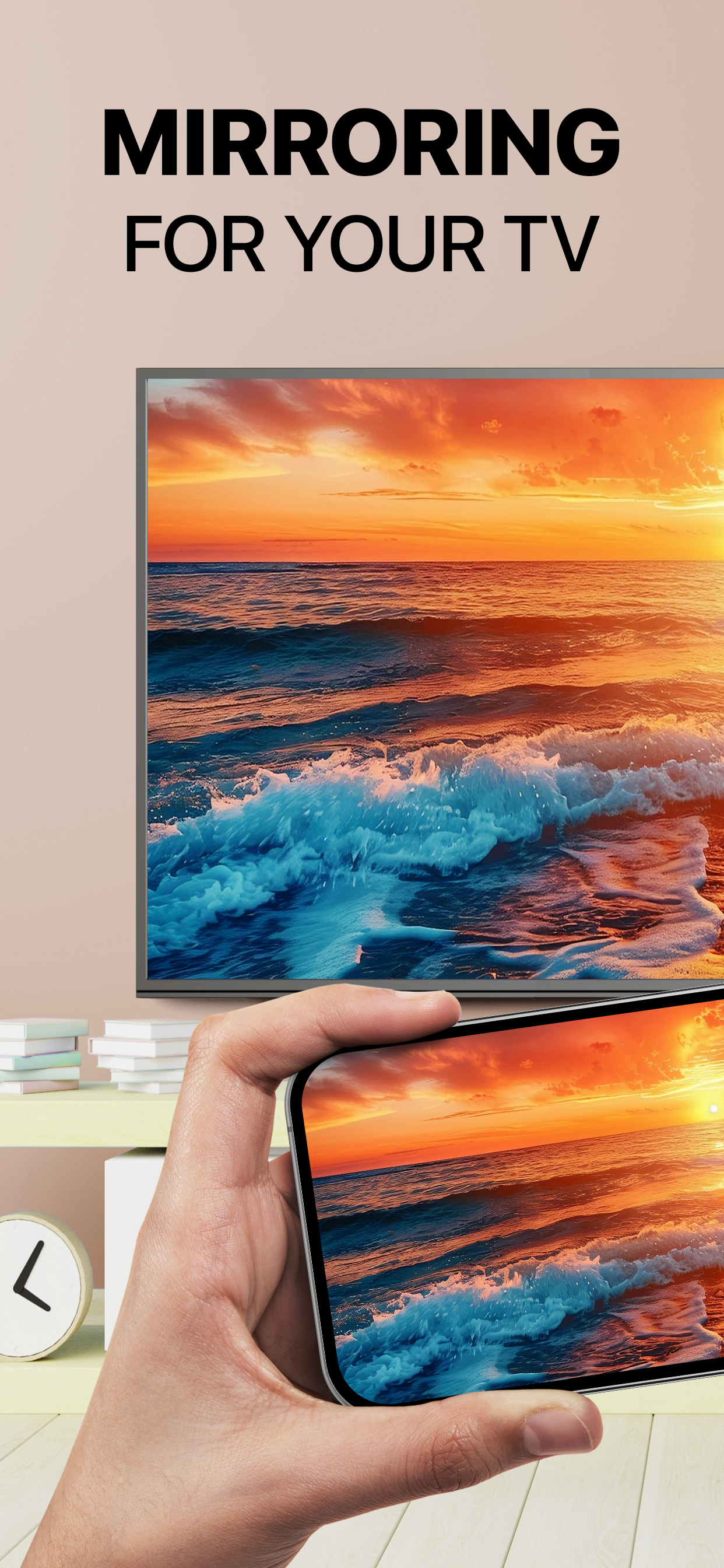
Revolutionize how you watch your favorite content by connecting your phone to your TV with cutting-edge screen mirroring technology. Our intuitive app allows you to cast photos and videos directly from your smartphone to your TV, transforming your small screen into a vibrant, larger-than-life display. Share personal media, enjoy IPTV, and stream web videos for a truly cinematic experience right in your living room. No AirPlay to TV compatibility required!
Unlock Premium Features with Screen Mirroring PRO. This version offers a built-in IPTV player for seamless streaming of various channels and a live camera feature so you never miss important calls while enjoying your shows.
Key Features:
- Cast Photos and Videos: Effortlessly mirror screen to showcase memories on a big screen
- Professional Presentations: Display text files, PDFs, and whiteboards in your workspace
- Broad Compatibility: Seamlessly works with Samsung, LG, Roku, Vizio, Fire TV, and Google Chromecast
- Real-Time Streaming: Experience smooth playback without interruptions
- User-Friendly Experience: Easy setup ensures anyone can mirror screen
Upgrade to PRO for Additional Benefits:
-Built-in IPTV Player: Access diverse channels with ease
-Live Camera Feature: Stay connected without missing calls during screen share
-Web Streaming: Enjoy online content on a larger screen effortlessly
Whether you’re presenting at work, showcasing vacation snapshots, or streaming home movies, Screen Mirroring is your go-to solution. Easily cast apps like Instagram, TikTok, WhatsApp, and Telegram onto the big screen.
How to connect phone to TV:
- Allow device connections on your local network
- Ensure all devices are connected to the same Wi-Fi network
- Open Screen Mirroring and connect your phone to a compatible TV device—such as Samsung, LG, Roku, Vizio, Fire TV, or Google Chromecast—granting necessary permissions.
That’s it—effortlessly cast phone onto a large TV display. Download the app today to dive into high-quality entertainment with seamless iPhone mirroring, Miracast, and more.
Subscription Details:
Your iTunes Account will be charged upon purchase confirmation. Subscriptions renew automatically unless auto-renew is disabled at least 24 hours before the end of the current period. Manage subscriptions and turn off auto-renewal in Account Settings. Any unused trial portion is forfeited upon purchasing a premium subscription.
Privacy Policy: https://tv-screen-mirroring.app/pp
Terms of use: https://tv-screen-mirroring.app/tou
Support: support@tv-screen-mirroring.app
Store Rank
The Store Rank is based on multiple parameters set by Google and Apple.
All Categories in
United States--
Utilities in
United States#153
Top Competitors & Alternative Apps
Apps with a high probability of being used by the same users, from the same store.

Screen Mirroring · Smart TV

Screen Mirroring・Air TV Cast

Screen Mirroring・View Smart TV

Screen Mirroring:Smart View TV
 Screen Mirroring App: Smart TV VS.
 May 18, 2026