

You’ve hit your search limit
Start your free trial to keep exploring full traffic and performance insights.
Get StartedBrighten A Dark Photo app analytics for May 19

Brighten A Dark Photo
- Katagiri Kikaku Corporation
- Apple App Store
- Free
- Photo & Video
Introducing a powerful photo editing app that brightens dark photos naturally!
This app automatically brightens dark photos with just one tap.
It can also tone down photos that are too bright.
Even dim indoor and night photos can become clearer and easier to see with a single tap.
Photos with backlit faces or heavy shadows are corrected for better visibility.
If you have photos like these, give this app a try.
【How to Use】
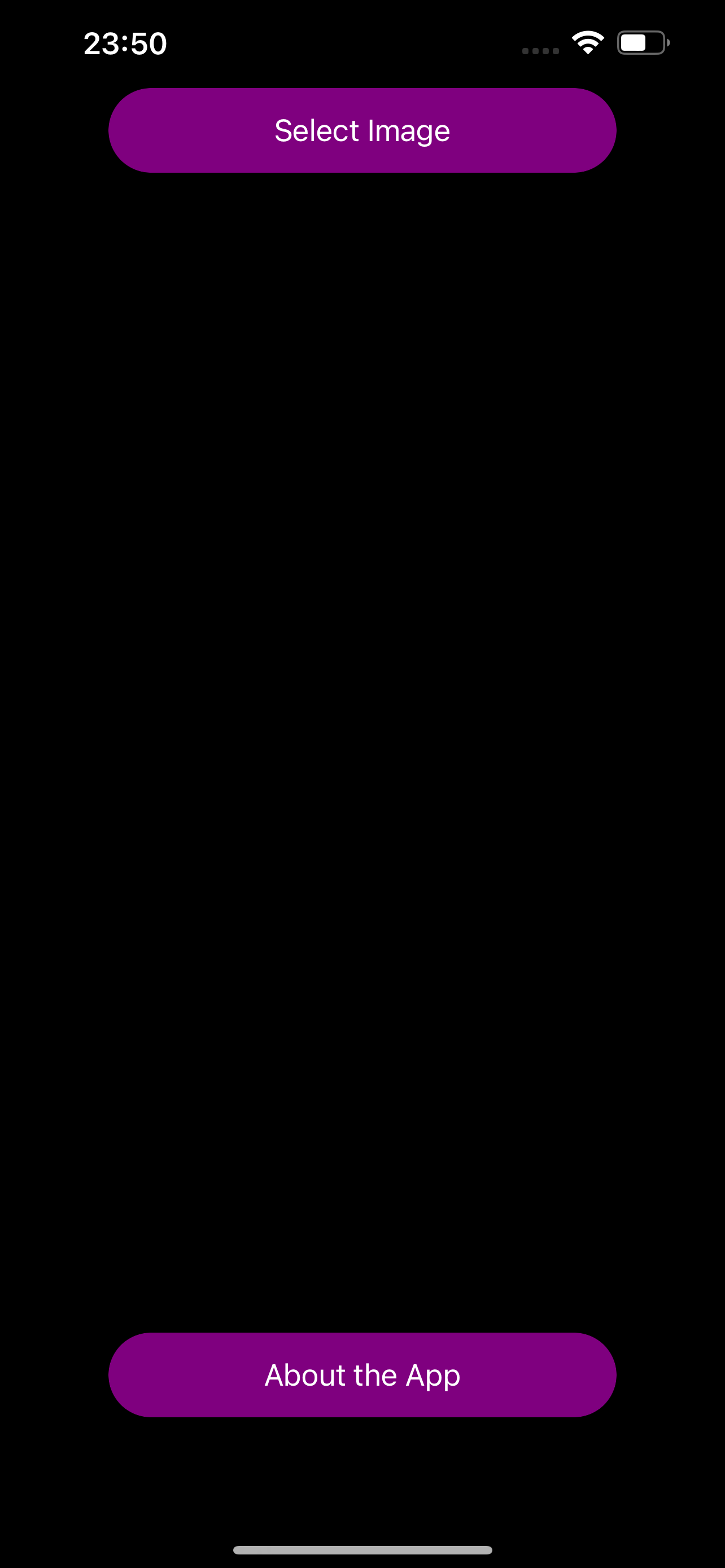
1. Tap "Select Image" to choose a photo.
2. Tap "Preview" to apply brightness adjustments.
3. Tap "Save as PNG" or "Save as JPEG" to save the photo in your preferred format.
To check the original image or preview, tap the "Zoom" button at the top right. To close the viewer, tap the "×" button at the top right and return to the main screen.
Note: There is also a paid, ad-free PRO version. There are no functional differences between the free version and the paid (PRO) version.
Store Rank
The Store Rank is based on multiple parameters set by Google and Apple.
All Categories in
United States--
Photo & Video in
United States--
Top Competitors & Alternative Apps
Apps with a high probability of being used by the same users, from the same store.
MidnightBright

Presets for Lightroom saFota

Adjust brightness of image

Easy Lighten Blend
 Brighten A Dark Photo VS.
 May 19, 2026