

MoviPic - Movie to Photo のアプリ分析 3月25日

MoviPic - Movie to Photo
- Yoshiyuki Hirose
- Apple App ストア
- 無料
- 写真 & ビデオ
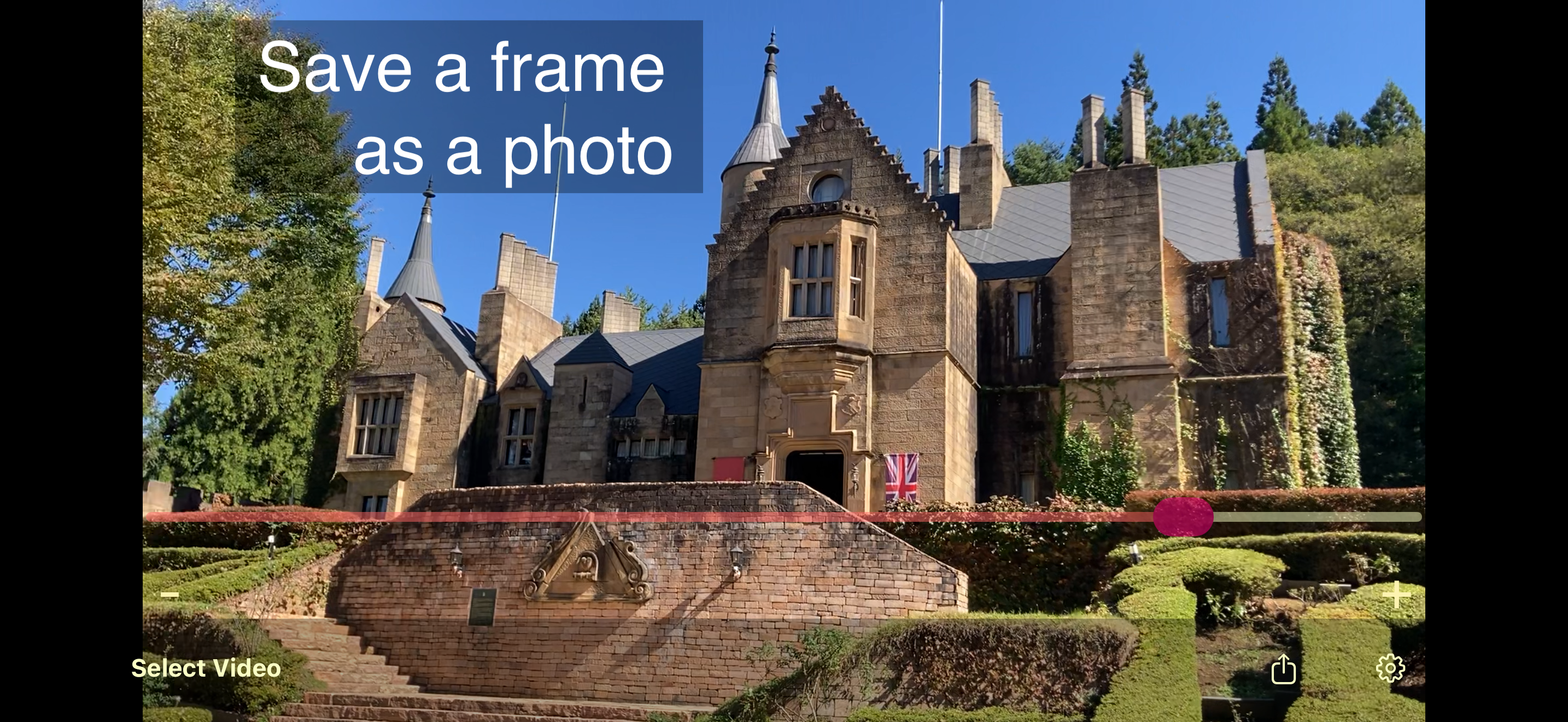
Get high quality photos from your videos with MoviPic.
How to use:
1. Select a video from Photos.
2. Move the bar to select a frame.
* Swipe the screen for fine adjustment.
* "+" moves one frame forward, "-" moves one frame back.
3. Tap the "Share" icon to export the photo.
◇
This app supports slo-mo videos. You can choose to load them at their original high frame rate or as a converted normal video.
◇
To add GPS and timestamp from the original video, turn on the switches in "Export settings" on the "Information" screen.
A button to save directly to Photos will appear after viewing an ad. Photos are saved to the "MoviPic" album.
ストアランキング
ストアランキングは、GoogleとAppleが設定した複数のパラメータに基づいています。
業界別 ウェブサイトカテゴリーで
米国--
写真 & ビデオで
米国--


 MoviPic - Movie to Photo VS.
 3月 25, 2026