

You’ve hit your search limit
Start your free trial to keep exploring full traffic and performance insights.
Get StartedTicketing 4 Schools analisi dell'app per 27 marzo

Ticketing 4 Schools
- Software 4 Schools
- App Store di Apple
- Gratis
- Istruzione
Scan your student ID cards or swipe a student name to check students in and out of your events. Sell your tickets using our www.ticketing4schools.com application and then check them in using a computer or our free mobile app.
Selling Tickets:
All the settings can be defined in the main application. These determine which students can attend, if they can leave event early, have a guest, lock out students with no permission, and whether they can purchase tickets at the door. The main application is also used to sell your tickets and track your sales.
Check-in:
The check-in process may be done with a scanner connected to a computer or the mobile app connected to the Internet. If a student does not have their ID card you can find the student on the list and check them in manually with a left swipe. The screen messaging and sounds keeps you fully informed of student status when checking in.
Event Types:
There are several types of events for which our software can be used.
1. For school dances, you would typically sell the tickets beforehand, and then scan the students into the event. Tickets may be sold through our primary Ticketing application, or by third party software. You define the rules about whether students may leave early, or even gain readmission.
2. For tracking attendance at events where there is no pre-registration -- like free dances, practice games, auditions, fairs, carnivals, car washes, etc. You may also capture student participation in activities that go toward spirit points.
3. For tracking students’ time spent at locations like libraries, study halls, examination rooms, you can use this third option to check them in and out. The main application then calculates the total and time spent at that location.
Getting started:
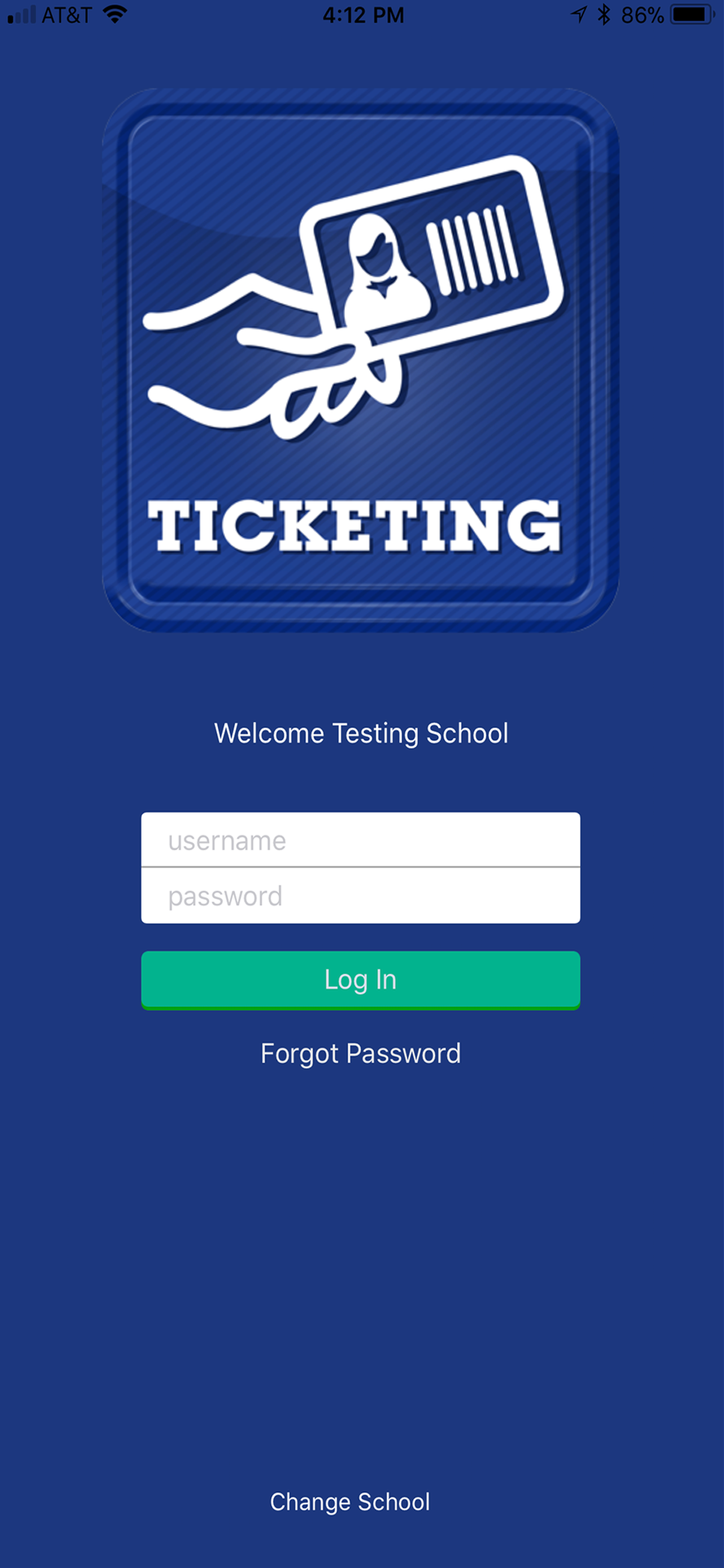
Apart from downloading the app, you will select your school from a list of customers that subscribe to our service. Then log in with your credentials from the main application and you will be taken to the main Events / Home screen
· Events Screen will list all your active events
· Tapping the event name will take you to the student list. You can swipe a student name to check them in or tap the name to view student details.
· Tapping the Ticketing circle icon, bottom right, will bring up the scanning tool allowing you to use your camera to scan student ID cards.
· Tapping the ‘hamburger’ menu, top left, will provide you navigation back to the Home / Events screen, Help and Logout.
Software 4 Schools is committed to the very best software and support. It is also more than willing to consider new ideas in order to improve its products.
You may email us with issues or ideas at support@software4schools.com
We would also appreciate your kind reviews in the App Store.
Classifica degli store
La classifica del store si basa su diversi parametri stabiliti da Google e Apple.
Tutte le categorie in
Stati Uniti--
Istruzione in
Stati Uniti--
Principali concorrenti e app alternative
App con un'alta probabilità di essere utilizzate dagli stessi utenti, provenienti dallo stesso store.

Student Check In

SC Class Assistant Pro

AccuClass

PaperScorer Scanner
 Ticketing 4 Schools VS.
 marzo 27, 2026